Quick Answer: Roll out AI marketing automation in phases, not all at once. Spend week one auditing manual work to find the biggest time sink, week two fixing naming conventions and account structure, week three turning on downside protection rules, and week four adding creative generation and bulk launch. Review results weekly after that instead of leaving rules untouched.
Why Most AI Marketing Automation Rollouts Fail
Teams usually approach this backward, turning on scaling rules in week one because that is where the excitement is, then wondering why spend runs away or campaigns get killed for the wrong reasons. Automation does not fix a messy account, it amplifies whatever structure already exists, which is why ai powered marketing automation works best on a clean foundation. A rollout that respects sequence, audit first, then structure, then protection, then scale, produces a system a team can actually trust with live budget.
This guide walks through a four week rollout across Meta, TikTok, and NewsBreak, followed by the review habits that keep it working past month one.
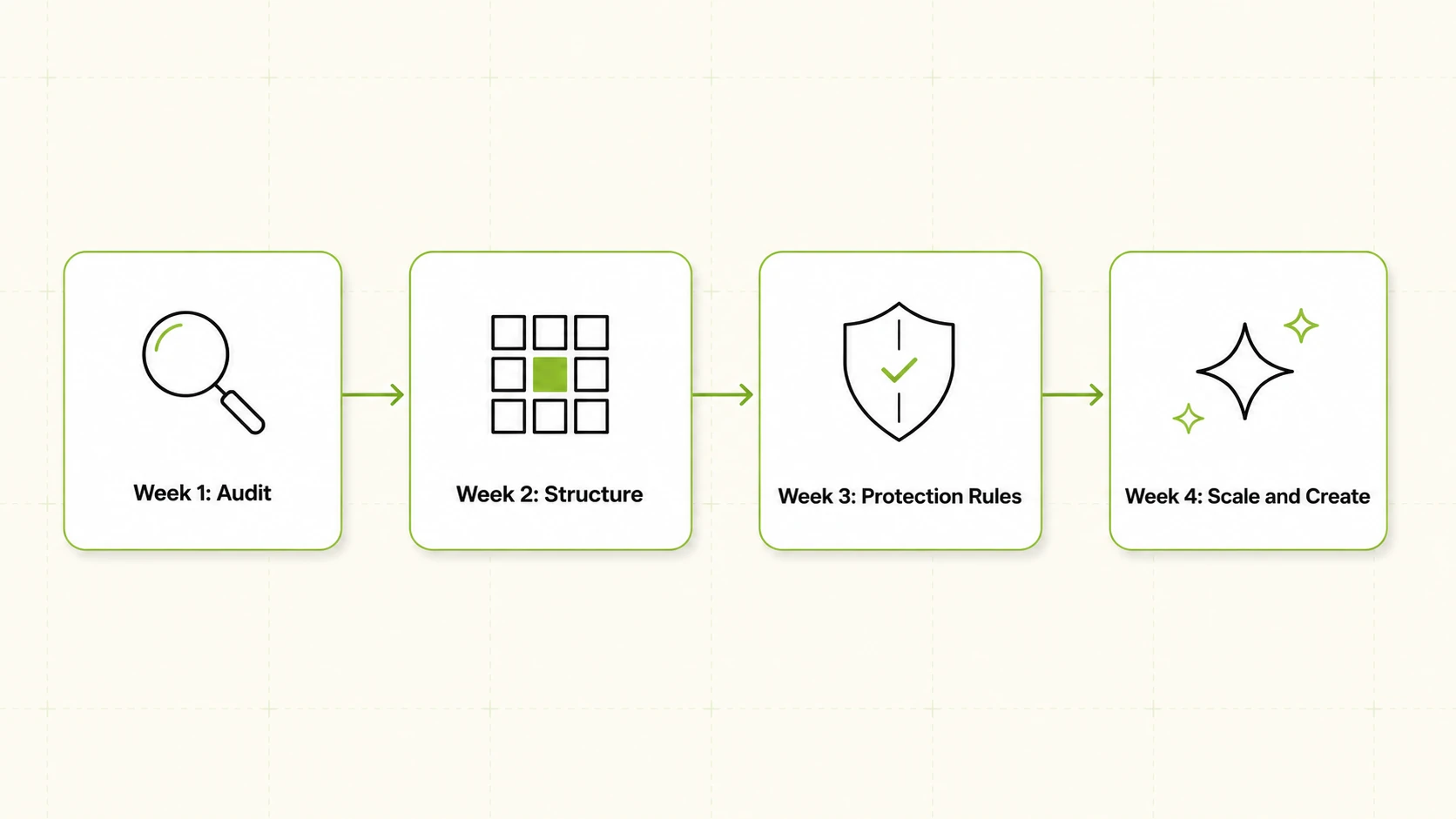
Week 1: Audit Current Manual Processes and Find the Time Sink
Before any rule goes live, spend the first week documenting what the team actually does today, since most ai marketing automation tools simply inherit whatever process already exists. Sit with whoever touches the ad accounts daily and log every recurring task: pulling reports, checking spend pacing, pausing underperforming ads, adjusting budgets, renaming assets, exporting creative. The list is usually longer than expected, with a handful of tasks eating most of the week.
The goal is a specific answer to which single task, done manually, costs the most hours relative to the value it produces. For teams running Meta, TikTok, and NewsBreak side by side, that is often cross-account reporting, someone stitching together spend, ROAS, CPR, CPC, and CTR from three ad managers by hand. Name it precisely, since it becomes the benchmark for judging whether the rollout is working.
Write the audit down in a shared document, task, frequency, time per instance, owner. It becomes the reference point in week three, when the team decides which conditions to encode into rules.
Week 2: Standardize Naming Conventions and Account Structure
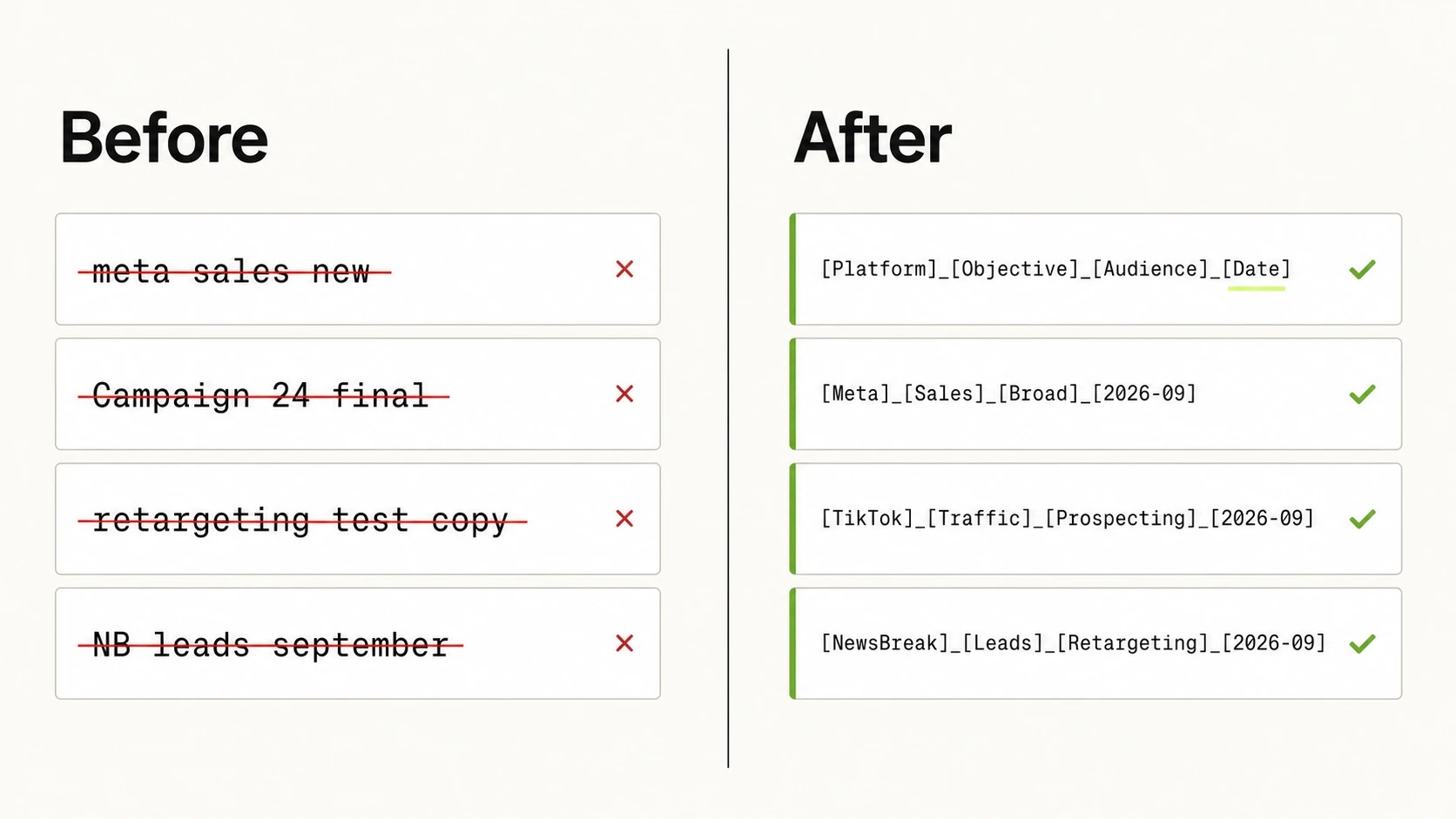
This is the week teams skip, and it determines whether everything after it works, especially once you start relying on ai for marketing automation at scale. Rules read account structure to decide what to act on. Two campaigns targeting the same audience but named inconsistently, or ad sets from different product lines tagged unpredictably, can cause a rule built to protect one segment to misfire on another, or miss it entirely.
Standardizing before automating means agreeing on a naming convention that encodes objective, product or offer, audience segment, and platform in a fixed order across every account, and cleaning up structure itself, consolidating duplicate campaigns, archiving stale ad sets, and setting budget levels at the level the team wants rules to apply to. None of this is glamorous, but it separates a rule that behaves predictably from one that produces surprises.
Treat week two as non negotiable even under time pressure. A team that automates on top of inconsistent structure is not saving time, it is making mistakes faster.
Week 3: Turn On Downside Protection Rules First
Once structure is clean, resist the instinct to turn on everything at once, a discipline that separates reliable ai based marketing automation from a rushed rollout. Week three is for downside protection only: CPA floors that pause an ad when cost per acquisition crosses an unacceptable line, ROAS thresholds that flag or pause underperformers, and frequency caps that stop an audience seeing the same creative into fatigue.
A team that has never run automated rules has no track record yet, which is the main reason marketing automation using ai should start with protection, not scaling. Protection rules fail safe, worst case they pause something that should have kept running. Scaling rules fail loud, worst case they push budget into something that should have been stopped, and the spend is gone before anyone notices. Starting with protection lets the team watch the rules engine work correctly, with every action logged against the condition that triggered it, before trusting it with growth decisions.
By the end of week three, the team should be able to point to instances where a rule paused something correctly and instances where it did not, then adjust thresholds accordingly. That track record earns the rules engine the right to touch scaling decisions in week four.
Week 4: Layer In Creative Generation and Bulk Launch
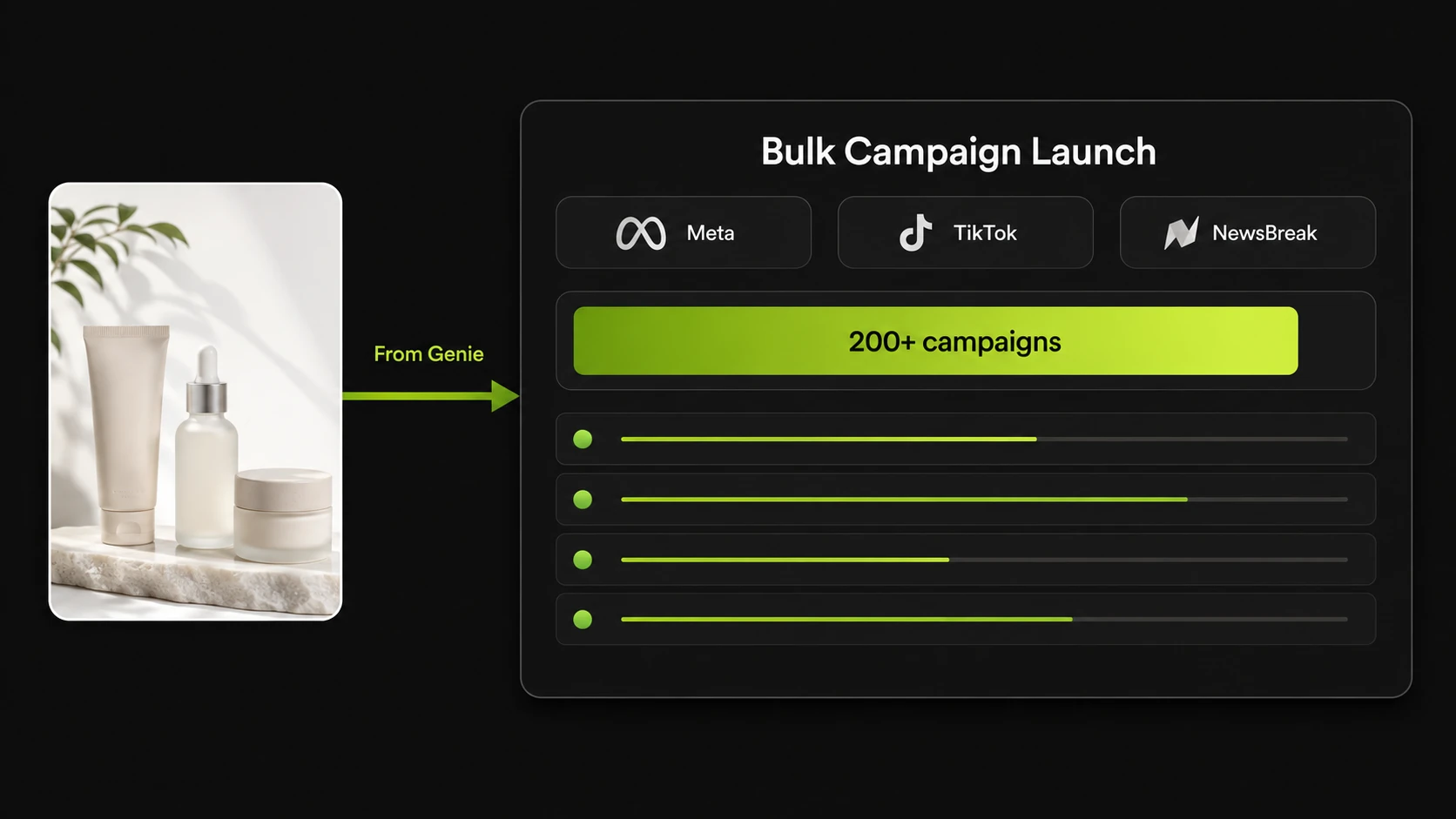
With protection rules proven out, week four is where the system starts compounding rather than just protecting. This is the point to bring in AI assisted creative generation tied to brand and product data from a connected product catalogue, producing new ad variations without a design team rebuilding assets from scratch every time a campaign needs fresh creative.
Once creative is flowing, bulk launch is worth using: a team can push a large batch live across Meta, TikTok, and NewsBreak at once, creative moving directly from generation into the launch flow with no export and re-upload step. This waits until week four for sequencing reasons, not caution alone. Launching before naming conventions are fixed multiplies the structural problem from week two, and launching before protection rules are live means a bad batch can burn budget for days before anyone checks it manually.
Ongoing: Review Cadence and Avoiding Set and Forget
This is not a one time setup, and that is true of any ai driven marketing automation rollout. Rules correct in week three can become wrong by week eight as seasonality shifts, new products launch, or a platform changes how it delivers ads. Teams that get lasting value from AI marketing automation build a review cadence and stick to it, rather than treating a working rollout as finished.
A workable cadence pairs a short weekly check on the activity log, what fired, why, whether the outcome matched intent, with a deeper monthly review of the thresholds. Reporting synced every fifteen minutes across every connected account keeps the weekly check fast. The monthly review asks harder questions: has ROAS moved enough to justify a new threshold, has a new product introduced a naming pattern the rules were not built to read. Automation left without this cadence drifts from what the team wants, and nobody notices until the numbers do.
Rollout Phase at a Glance
A phase by phase view makes the sequencing easier to reference once the rollout is underway. A table fits here because the comparison across five phases, what to activate versus what to hold back, is the most reusable part of this plan.
| Phase | What to Turn On | What to Avoid |
|---|---|---|
| Week 1 | Nothing yet, documentation only | Turning on any rule before the audit is done |
| Week 2 | Naming convention and account structure cleanup | Automating on top of inconsistent structure |
| Week 3 | CPA floors, ROAS thresholds, frequency caps | Scaling or budget increase rules |
| Week 4 | Creative generation, bulk campaign launch | Bulk launching before protection rules are proven |
| Ongoing | Weekly activity log review, monthly threshold review | Treating the rollout as finished after week four |
FAQs
1. How long does it take to fully roll out AI marketing automation for a paid media team?
Four weeks covers the core sequence, but that is the floor, not the ceiling. Teams with several connected ad accounts or messy naming history may need longer on week two.
2. Should downside protection rules or scaling rules go live first?
Downside protection rules should always go live first. They fail safe, at worst pausing something that should have kept running, while scaling rules fail loud and can push budget into a bad campaign before anyone notices.
3. What happens to automation rules if account naming conventions are inconsistent?
Rules read account structure to decide what to act on, so inconsistent naming means a rule intended for one campaign type can misapply to another, or skip campaigns it should watch.
4. Can automation rules work across Meta, TikTok, and NewsBreak at the same time?
Yes. Rules and reporting can run across Meta, TikTok, and NewsBreak accounts together rather than requiring separate manual processes per platform, with every action logged cross-account.
5. How often should a team review automation rules once they are live?
A short weekly check of the activity log, seeing what fired and why, catches problems early. A deeper monthly review of the thresholds accounts for seasonality and new products.
6. What is the biggest mistake teams make when adopting AI marketing automation?
Turning on scaling rules before account structure is clean and before downside protection is in place. Automation amplifies existing structure, so skipping those earlier steps turns small inconsistencies into expensive ones.
7. Does AI marketing automation replace the need for a media buyer?
No. It removes repetitive manual monitoring and reporting work so a media buyer can focus on strategy and creative direction. Every automated action is logged with the condition that triggered it, so a person still reviews the logic.
8. How does creative generation fit into an automation rollout, and when should it be introduced?
Creative generation fits best in week four, after protection rules are proven, because it feeds directly into bulk campaign launch and a bad batch launched at scale is harder to unwind than a single manual mistake. Introducing it earlier multiplies problems that have not been fixed yet.
Start with the audit, not the rules engine. Get the sequence right and it becomes something a team trusts with real budget. This kind of phased rollout is part of what FabFunnel’s ai ad management platform covers. Set up a free account or see how the pieces fit together.