Quick Answer
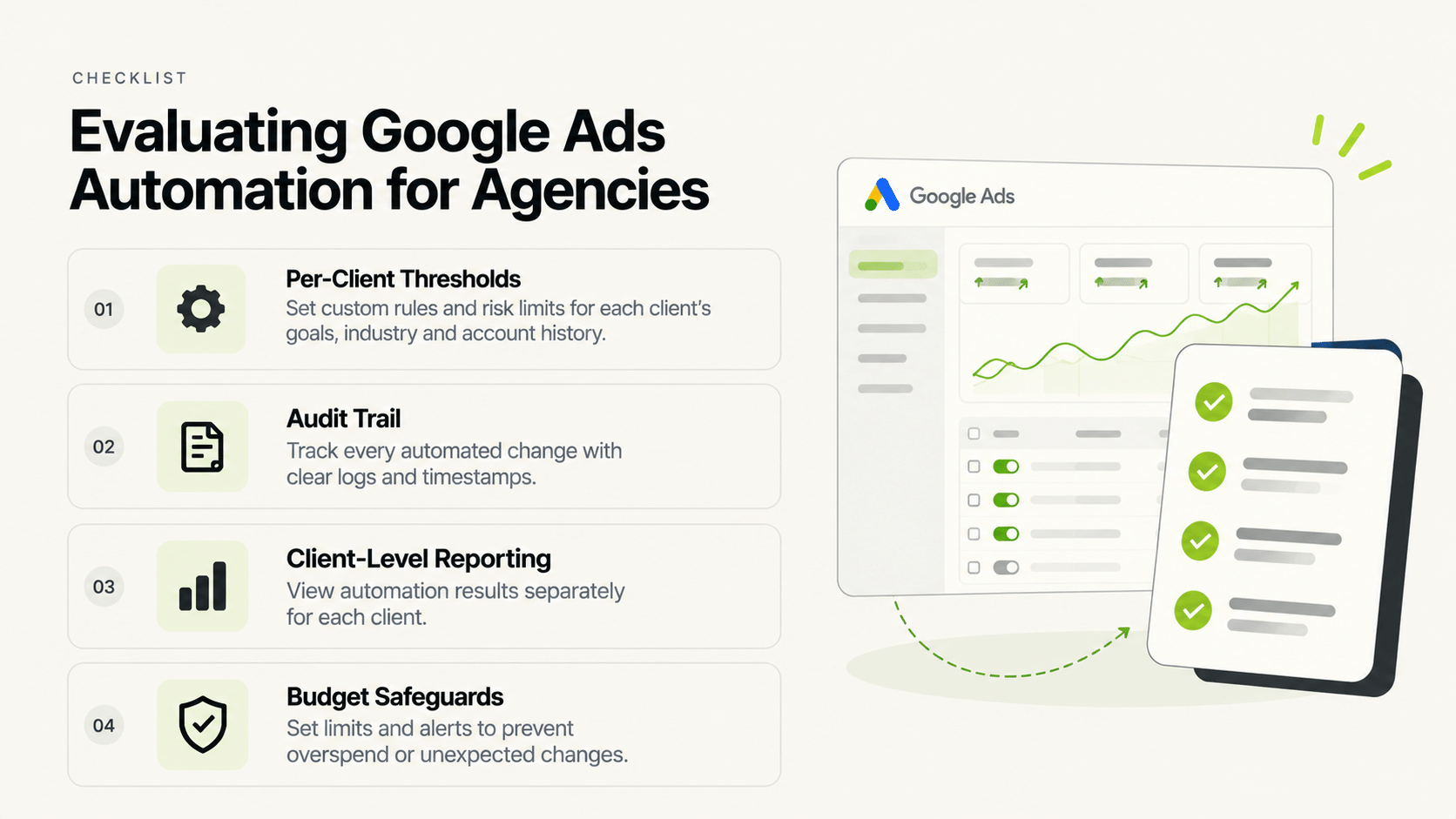
For an agency, Google Ads automation tools should be evaluated on four things: per-client threshold configuration (not one shared rule set), an audit trail for every automated action, reporting that breaks out by client rather than blending accounts, and how the tool handles budget-scaling safeguards. A specific product recommendation isn’t something this piece will make — the right google ads automation software depends on your client mix and how each client’s account economics differ, which is worth verifying directly with any vendor rather than taking a ranked list’s word for it.
Google ads automation tools get compared in “best of” lists constantly, but agencies have a different evaluation bar than a single in-house team: every feature has to work across a roster of client accounts with different baselines, not just one account. This piece is a framework for that evaluation, not a ranked list of specific tools.
Why Do Single-Account Google Ads Automation Tools Struggle for Agencies?
Because a threshold correct for one client’s account economics is often wrong for another. Google adwords automation built around one shared rule template misfires when applied across clients with different average order values, audience sizes, or seasonal patterns. The first question for any agency evaluating google ad automation software is whether thresholds can be set per client, not just per account type.
What Does an Audit Trail Need to Cover for Agency Use?
Every automated action — a pause, a budget change, a bid adjustment — should be traceable to the specific condition and timestamp that triggered it. For an agency, this isn’t just internal hygiene; it’s the record you’d show a client who questions why a campaign was paused or scaled. Automatic google ads tools without a clear action log leave an agency unable to answer that question concretely.
How Should Reporting Work Across a Client Roster?
Consolidated in one place, but broken out by client — not blended into a single average that obscures which accounts are actually performing well. Best google ads management software for agencies should let you scan across the whole roster while still drilling into any single client’s numbers without exporting separately.
Google Ads Automation Evaluation Framework for Agencies
| Criteria | Why It Matters | What to Ask a Vendor |
|---|---|---|
| Per-client thresholds | Prevents one client’s rule misfiring on another | Can CPA/ROAS thresholds be set independently per account? |
| Audit trail | Lets you explain automated decisions to clients | Is every action logged with its triggering condition? |
| Client-level reporting | Avoids blended numbers hiding real performance | Does reporting break out by client, not just aggregate? |
| Budget safeguards | Prevents scaling rules from compounding losses | Is there a downside/pause rule paired with every scaling rule? |
Does FabFunnel Cover Google Ads Automation?
No — FabFunnel’s Automation Rules Engine, Bulk Campaign Launcher, and Multi Ad Account Reporting are built for Meta, TikTok, and NewsBreak specifically, not Google Ads. If your agency runs Google Ads alongside those platforms, you’d need a separate tool for the Google Ads side, with the same evaluation criteria above applied to whichever product you’re considering.
Should an Agency Use One Tool Across All Platforms or Separate Tools Per Platform?
This depends on whether a single vendor genuinely covers every platform you run well, versus covering one platform strongly and others as an afterthought. A tool built specifically for Meta, TikTok, and NewsBreak automation (like FabFunnel) and a separate tool built specifically for Google Ads automation can be a more reliable combination than one tool claiming broad coverage across everything.
What Should Agencies Automate in Google Ads, and What Should They Keep Manual?
The split follows the same logic as any paid channel: automate the mechanical, threshold-based work and keep the judgement calls with a person. For Google ad automation, the common candidates are:
A good google ads automation tool makes the first three easy and makes the middle ones reviewable rather than invisible.
How Should an Agency Run a Vendor Trial for Google Ads Automation Software?
Use one or two real client accounts, not a demo account:
- Pick clients with different economics. One high-AOV and one low-AOV account shows quickly whether per-client thresholds work.
- Start with one rule. Add a single cost-ceiling pause and confirm it behaves as expected before adding more.
- Inspect the log. For every action, check that the triggering condition and timestamp are recorded.
- Check client-level reporting. Can you pull a clean, per-client view without manual cleanup?
- Test the exit. Ask how rules and data are handled if you stop using the tool. Switching costs matter at agency scale.
If you also run Meta, TikTok, or NewsBreak for the same clients, compare how many separate tools and logins the full setup would require. That number is part of the real cost.
How Do You Compare Per-Client Threshold Handling in Practice?
Vendors all say they support “custom rules,” so ask for specifics. Request a live walkthrough using two of your real clients with very different economics, for example one with a high average order value and one with a low one.
Watch for three things. Can you set a cost ceiling for each client without touching the other? Can you copy a rule set to a new client and then edit it, rather than rebuilding from scratch? And can you see, in one place, which rules are active across the whole roster?
If the answer to any of these is awkward, expect that awkwardness to multiply with every new client you add. At ten clients, a clumsy workflow becomes a standing time cost.
What Safeguards Should Every Scaling Rule Have?
Scaling rules are where automation can lose money quickly. At minimum, pair each one with protections:
- A conversion floor. Don’t scale on a handful of conversions.
- A cap on each increase. Raise budgets in small steps rather than jumps.
- A downside rule. If results fall below your target after a scale-up, reduce or pause.
- A notification. Someone should hear about large changes the same day.
These apply to any platform, including Google Ads. When you evaluate a vendor, ask whether each safeguard is available and how easily it can be set per client.
What Should Agencies Ask About Data Access and Exit?
Agency relationships change. Ask whose account the tool connects to, what happens to rules and history if you stop using it, and whether client reporting can be exported. A tool that traps your configuration makes switching expensive, and clients will ask what happens if you leave.
FAQs
What’s the single most important feature in google ads automation tools for agencies?
Per-client threshold configuration — a shared rule template across every client account is the most common source of misfires for agencies managing a diverse client roster.
Do all google ads automation software options include an audit trail?
Not by default — this varies by vendor and is worth confirming directly, since it’s the record an agency needs if a client questions an automated decision.
Is automatic google ads bidding the same as full campaign automation?
No — automated bidding is one feature within a broader automation product. Full campaign automation (launch, budget rules, pausing) is a larger scope, and it’s worth confirming which one a specific tool actually covers.
Can one automation rule template work across an agency’s entire Google Ads client roster?
Not reliably — account economics differ enough across clients that a shared template tends to misfire. Per-client threshold configuration is the safer approach.
Does FabFunnel handle Google Ads for agencies managing multiple platforms?
No — FabFunnel’s automation and reporting cover Meta, TikTok, and NewsBreak. An agency running Google Ads alongside those would need a separate tool for that specific platform.
What should an agency ask before switching google adwords automation tools?
Whether thresholds are configurable per client, whether every action is logged and auditable, and whether reporting breaks out by client rather than blending the whole roster into one number.
Where to Start
If your agency’s automation and reporting needs span Meta, TikTok, and NewsBreak specifically, FabFunnel’s per-account Automation Rules Engine and Multi Ad Account Reporting are built for exactly that multi-client structure — start at FabFunnel or explore the full toolset at Fab AI. For Google Ads specifically, apply the same evaluation framework above to whichever tool you’re considering.