Setting up ad campaigns manually is one of the biggest time drains in performance marketing.
You build one campaign. Duplicate it. Rename it. Adjust the audience. Upload the creative. Check the placements. Hit publish. Then do it again – for every variation, every product, every platform.
For ecom brands running multiple SKUs or affiliates managing several offers at once, this isn’t a workflow. It’s a bottleneck.
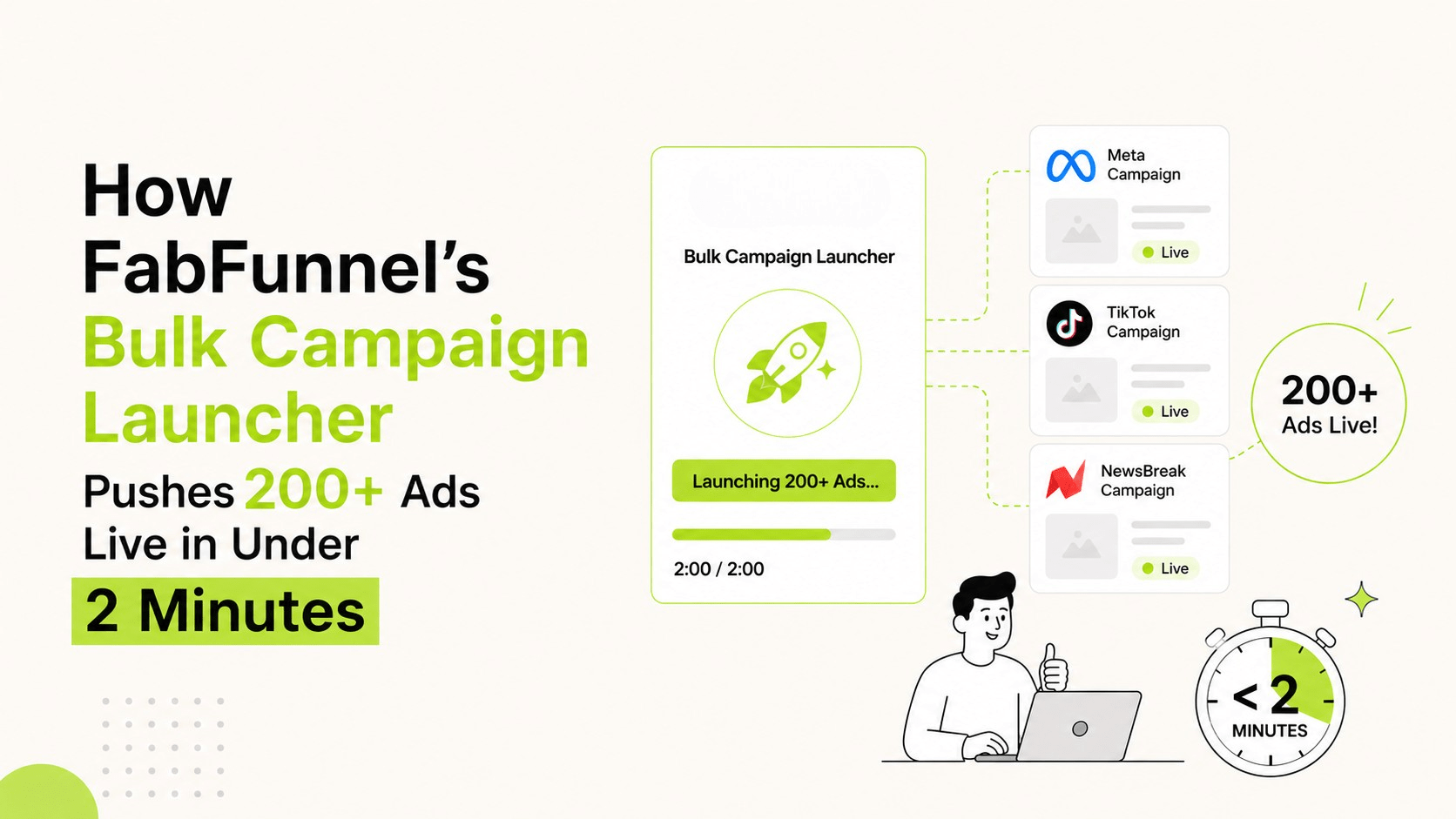
FabFunnel’s Bulk Campaign Launcher was built to eliminate exactly this. Once your setup is done, you can push 200+ ads live in under 2 minutes – across Meta, TikTok, and NewsBreak – without touching each campaign individually.
Here’s how it works, and why it changes the way you scale.
The Real Cost of Manual Campaign Setup
Before getting into the tool, it’s worth naming the actual problem.
Manual campaign creation doesn’t just take time. It introduces errors. The more campaigns you’re building by hand, the higher the chance of:
- Wrong audience applied to the wrong creative
- Budget set incorrectly on one ad set
- A campaign going live on the wrong platform
- Naming conventions breaking halfway through a large launch
For a media buyer running 50+ campaigns a week, these aren’t edge cases. They’re regular occurrences.
For an ecom brand trying to test 10 products across 3 audiences simultaneously, the manual process means either slowing down the test or hiring more people to manage the setup.
Neither is a good answer.
What the Bulk Campaign Launcher Actually Does
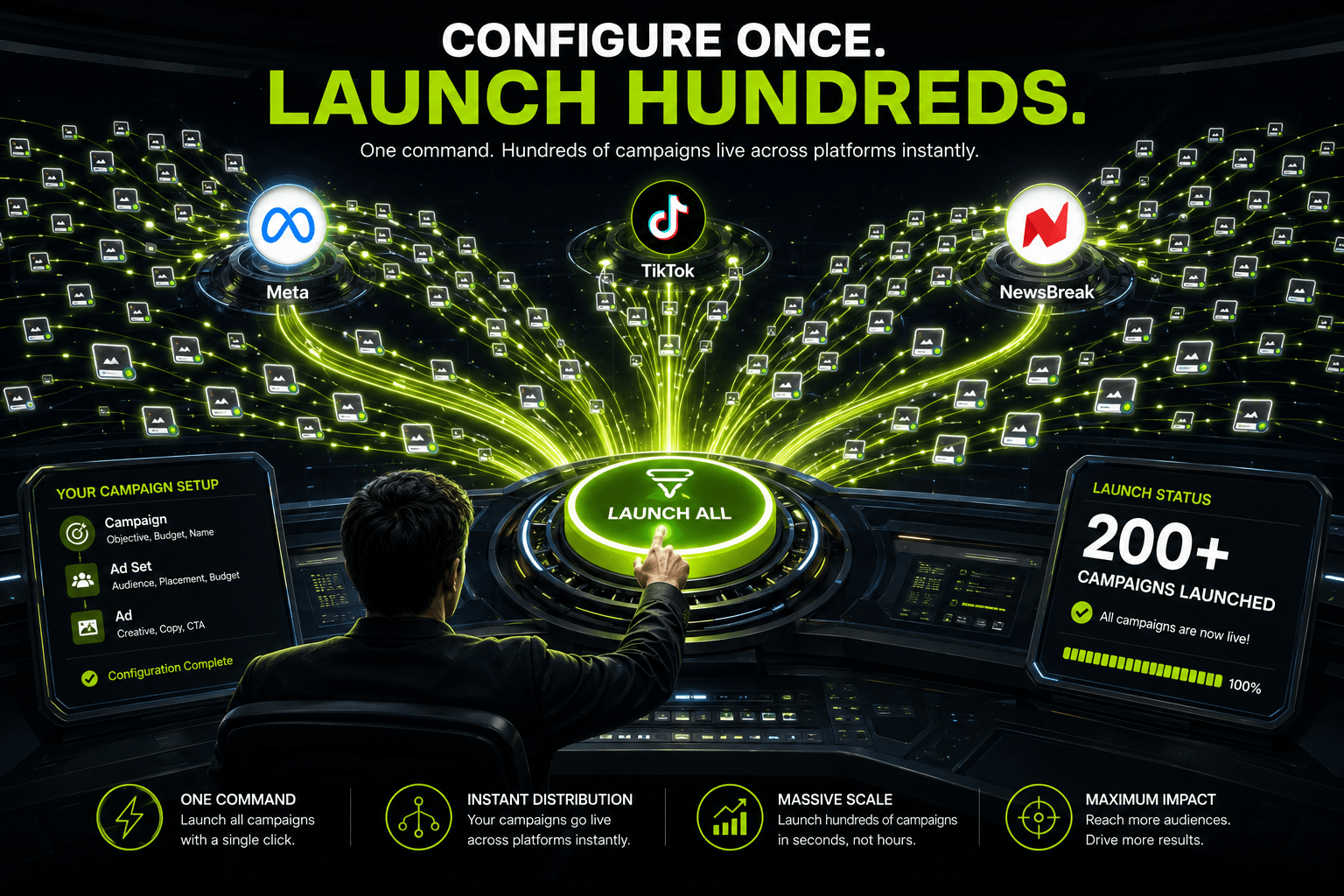
FabFunnel’s Bulk Campaign Launcher lets you configure your campaign parameters once – creative, audience, budget, platform, placements – and launch at scale in a single action.
Instead of building campaigns one at a time, you build a launch structure and execute it in bulk.
What you can control at the time of launch:
- Campaign objective and name
- Ad set level – audience, budget, schedule, placements
- Ad level – creative, copy, CTA
- Platform selection – Meta, TikTok, or NewsBreak
- Full campaign → ad set → ad structure, no fields skipped
No shortcuts in the setup. Every field that matters in a normal campaign build is available in the bulk launch flow. The difference is that you’re setting it once and applying it across hundreds of ads simultaneously.
The campaign launcher removes repetitive setup work while giving marketers complete control over campaign structure and execution.
200+ Ads in Under 2 Minutes – What That Looks Like in Practice
Once your launch configuration is ready, execution is near-instant.
For an ecom brand, a typical bulk launch might look like:
- 5 products from your catalogue
- 3 audience segments per product
- 4 creative variations per audience
- Across 2 platforms
That’s 120 ad sets without breaking a sweat – built, configured, and live in under 2 minutes.
For a media buyer or affiliate running a single high-volume offer, the math is even simpler. More creative variations, more audiences, more placements – all launched at once.
The 2-minute figure isn’t a best-case scenario. It’s what happens once your setup is done and you hit launch.
Catalogue Integration for Ecom Brands
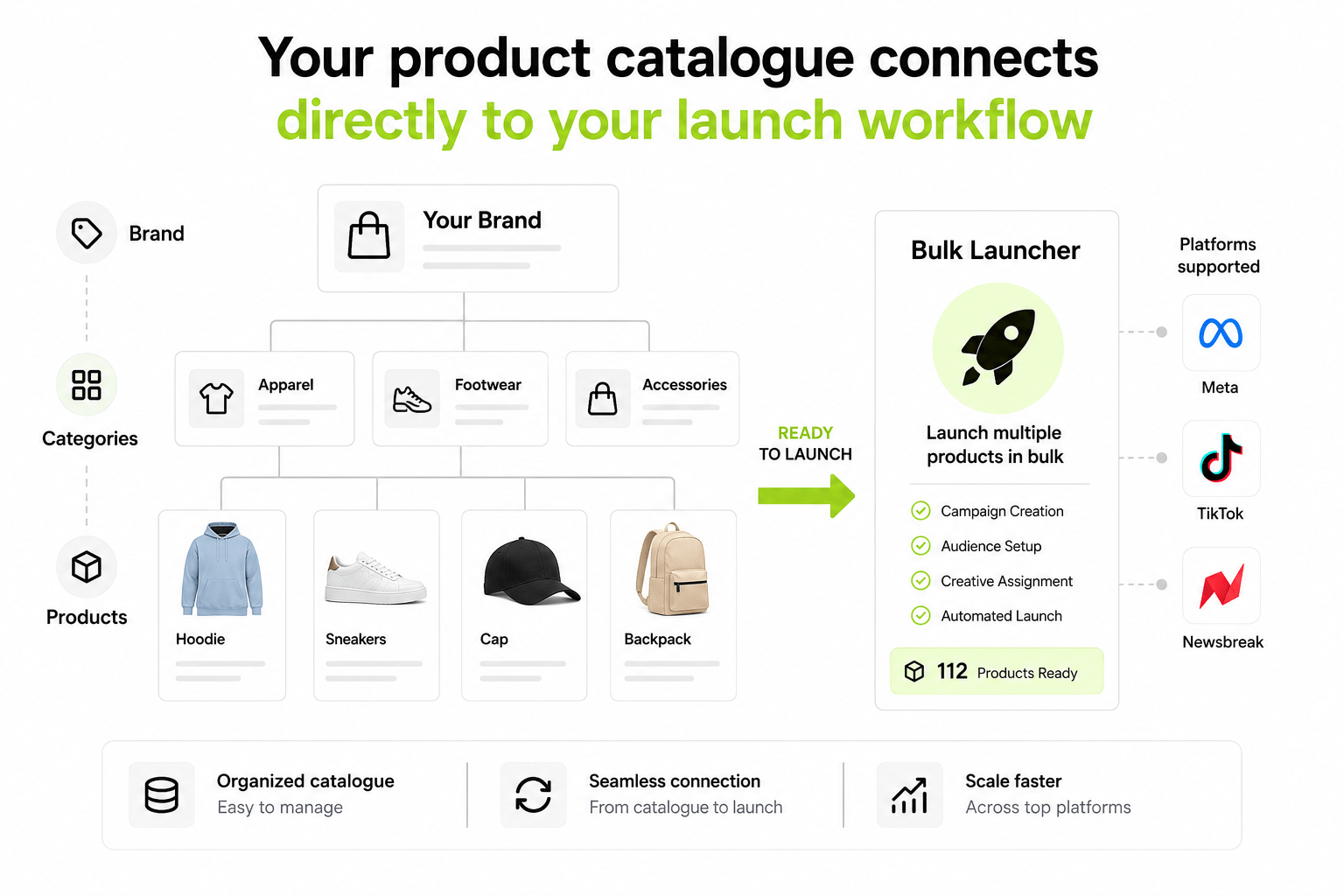
For ecom specifically, the Bulk Launcher connects directly with FabFunnel’s Catalogue feature.
Your catalogue is structured as: Brand → Categories → Products
When you’re building a launch, you can pull directly from your catalogue – selecting specific products or entire categories to launch against. This means your ad structure maps to your actual product hierarchy, not a manual list you’ve built in a spreadsheet.
For brands with large SKU counts, this is the difference between a launch that takes two minutes and one that takes two hours of prep before you even get to the launch itself.
Who This Is Built For
Ecom brands running multiple products simultaneously. If you’re testing new SKUs, launching seasonal campaigns, or scaling winning products to new audiences – the Bulk Launcher removes the setup tax on every launch cycle.
Affiliate marketers and media buyers managing high-volume campaigns across multiple offers or geos. Speed matters. The faster you can get a new variation live, the faster you find your winner. Manual setup is a direct constraint on how fast you can iterate.
Performance marketing teams where campaign setup is eating into time that should be spent on strategy, analysis, and optimisation.
What Changes When Setup Time Goes to Zero
When campaign launch stops being a manual process, a few things shift:
You test more. Every creative hypothesis that used to sit in a backlog because “we don’t have time to set it up” now gets tested. More tests, more data, faster learning cycles.
You move faster than competitors. A media buyer who can launch 200 variations in 2 minutes responds to market signals faster than one who needs 4 hours to set up the same number of campaigns manually.
Your team focuses on what matters. Setup is not a strategic activity. Analysis is. Creative thinking is. Audience refinement is. The Bulk Launcher moves your team’s time toward the work that actually moves the needle.
You reduce human error at scale. One configured launch applied consistently across 200 ads is more reliable than 200 individual manual builds.
A campaign launcher that standardises setup across every launch helps teams scale without increasing operational complexity.
How to Get Started with the Bulk Campaign Launcher
- Connect your ad accounts – Meta, TikTok, or NewsBreak. The Launcher works across all three.
- Set up your catalogue (for ecom) – organise your products by Brand → Category → Product so they’re ready to pull into any launch.
- Upload your creatives – static images, flexible formats, or carousels. Have them ready in your creative library before you launch.
- Configure your launch – set campaign objective, audience parameters, budget, placements, and select your creatives.
- Launch – review the summary and push live. 200+ ads, under 2 minutes.
FabFunnel also functions as a bulk ad launch tool, allowing teams to deploy hundreds of ads without manually recreating campaign structures across platforms.
The Takeaway: Setup Once, Launch Hundreds
Manual campaign setup is a tax on your output. Every hour spent building campaigns by hand is an hour not spent on testing, analysis, or strategy.
FabFunnel’s Bulk Campaign Launcher removes that tax. 200+ ads live in under 2 minutes – across Meta, TikTok, and NewsBreak – with the full campaign structure intact and no shortcuts in the setup.
For ecom brands managing multiple products and for media buyers running high-volume campaigns, that’s not a minor efficiency gain. It’s a fundamental shift in how fast you can operate.
If campaign setup is slowing growth, a dedicated campaign launcher can dramatically increase execution speed while keeping launches organised and scalable.
Ready to cut your campaign setup time to near-zero? Try FabFunnel’s Bulk Campaign Launcher →
Frequently Asked Questions
Why use a bulk campaign launcher instead of manual setup?
Compared to manual setup, a bulk campaign launcher reduces the volume of repetitive tasks, increases the uniformity of campaign parameters, decreases the likelihood of configuration errors, and reallocates teams’ time toward testing and optimisation activities.
What platforms does the Bulk Campaign Launcher support?
Meta (Facebook and Instagram), TikTok, and NewsBreak. You can select one or multiple platforms in a single launch.
What creative formats are supported?
Static images, flexible formats, and carousel ads. All standard creative types used in performance campaigns.
Do I need to set up every field manually for each campaign?
No. You configure the parameters once and the Bulk Launcher applies them across all campaigns in the launch. The full campaign → ad set → ad structure is preserved – no fields are skipped.
Is this suitable for small ecom brands or only large-scale operations?
Both. If you’re running even 5–10 products with multiple creative variations, the time savings are immediate. You don’t need to be running hundreds of campaigns daily for this to be worth using.
How is this different from Meta’s own bulk creation tools?
Meta’s bulk tools are limited to their own platform and require manual configuration per campaign. FabFunnel’s Bulk Launcher works cross-platform, connects to your catalogue, and lets you launch at a scale that Meta’s native tools don’t support in the same workflow.
What does “once the setup is done” mean?
The 2-minute launch time refers to the execution phase – after you’ve uploaded your creatives, configured your audiences, and set your parameters. The prep work happens once. The launch itself is near-instant.
Can FabFunnel launch 100 campaigns at once?
Yes. Depending on your structure, creatives, audiences, and platforms selected, you can launch 100 campaigns at once or even more through a single bulk launch workflow.