Quick Answer: A first TikTok for Business ads campaign needs four things: a Business Account with billing connected, one campaign objective tied to an actual outcome, awareness, traffic, or conversions, a starter budget you can run uninterrupted for at least a week, and an audience built from broad interests rather than a dozen narrow filters. Everything past that is a two-week observation window, not a redesign.
Why TikTok for Business Ads Are a Practical First Channel for Small Businesses
TikTok’s ad platform, marketed under the TikTok for Business name, rewards content that looks native to the feed rather than polished commercial video, which lowers the production bar for a business without an in-house creative team. The barrier for a first-time advertiser isn’t a big budget, it’s clarity about what the campaign should accomplish and who it should reach, a lesson that applies just as much to tiktok ads for small business owners running their very first campaign.
This guide assumes a Business Account is already set up, or nearly there, and covers what account creation doesn’t: turning that account into a live campaign, matching the objective to a real goal, setting a sane budget, keeping targeting simple, and knowing what to watch in the first two weeks.
Before You Launch: Confirm Your Business Account Setup
Before opening Ads Manager, confirm the basics are done, not just started. A Business Account is required, since personal profiles can’t run paid ads, and a payment method needs to be added and verified, with any extra business verification cleared, since a pending review blocks ads. If the objective involves traffic or conversions, install the TikTok pixel or equivalent event tracking on the website first; without it there’s no reliable way to judge whether the campaign worked. This isn’t a substitute for a full account-creation walkthrough, just the checklist worth running before building the campaign.
Step 1: Choose a Campaign Objective That Matches a Real Business Goal
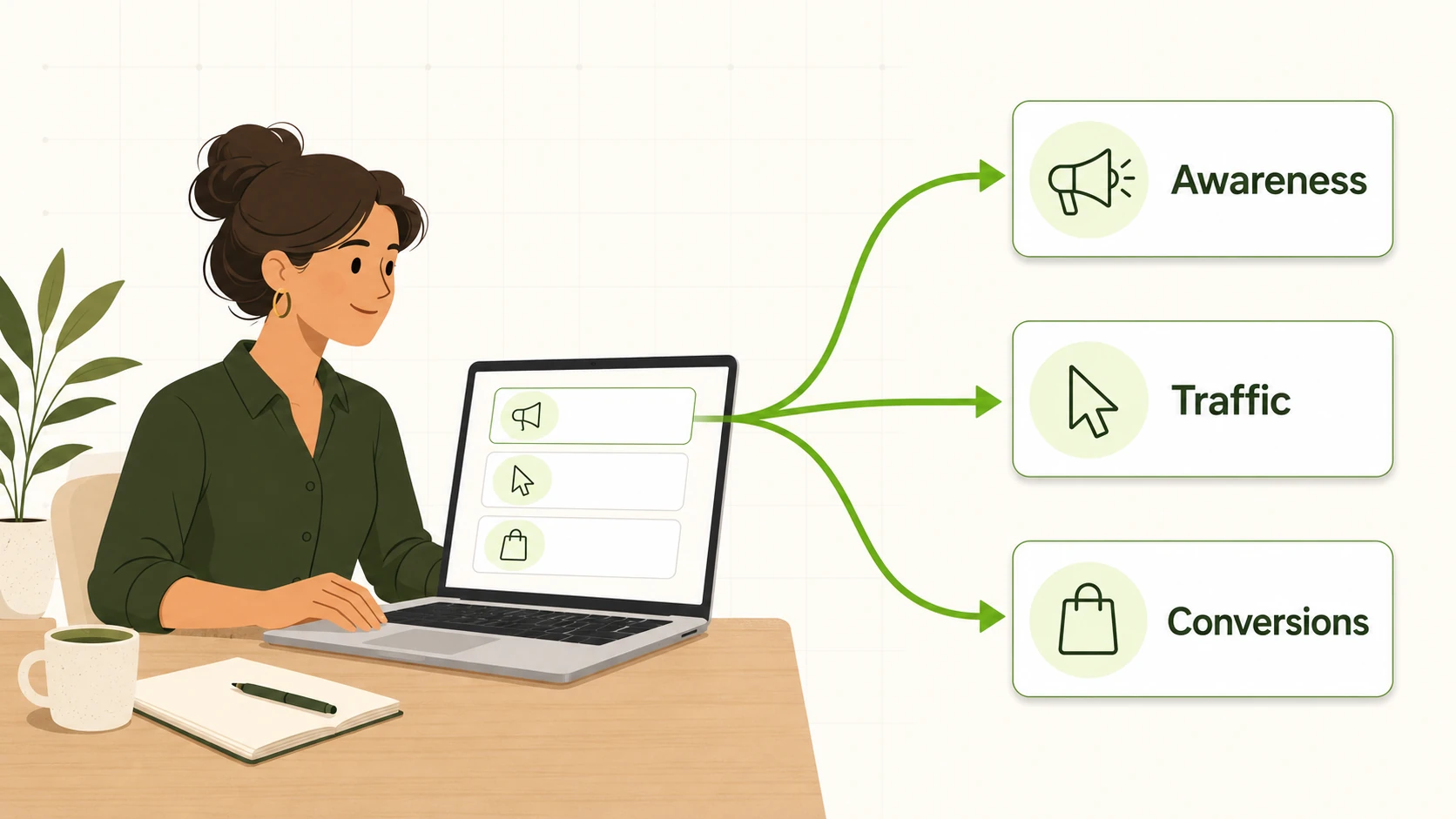
The most common mistake in a first TikTok for Business ads campaign is picking an objective because it sounds impressive rather than because it matches what the business needs right now. Awareness objectives optimize delivery for reaching as many relevant people as possible, the right call when the goal is simply visibility, especially for tiktok ads for local business campaigns built around footfall or regional reach. Traffic objectives optimize for getting people off TikTok and onto a website or menu page, useful without mature conversion tracking. Conversion objectives optimize toward a specific action, a purchase, a booking, a form fill, and need tracking set up first, since the algorithm is only as good as the signal it receives.
| Business goal | Objective category to choose | Why it fits |
|---|---|---|
| Reach new local or regional customers | Awareness or Reach | Optimizes for exposure, not clicks or purchases |
| Drive site or menu visits before conversion tracking is solid | Traffic | Optimizes for link clicks, works without mature event tracking |
| Generate purchases, leads, sign-ups, or app installs | Conversions | Optimizes toward that action, but needs tracking in place first |
Step 2: Set a Starter Budget You Can Sustain
There’s no universal starter number that fits every business, and any guide handing over a specific dollar figure without knowing margins or order value is guessing. What matters more is the approach: set a daily budget that can run without interruption for five to seven days, since TikTok’s delivery system needs a learning period to find who responds, and editing the campaign mid-window resets that clock. A budget too small to exit the learning phase produces noisy results. Decide upfront what the business will spend on this first test overall, so a slow week doesn’t turn into a daily budget change that undermines the data being collected.
Step 3: Build an Audience Without Overcomplicating Targeting
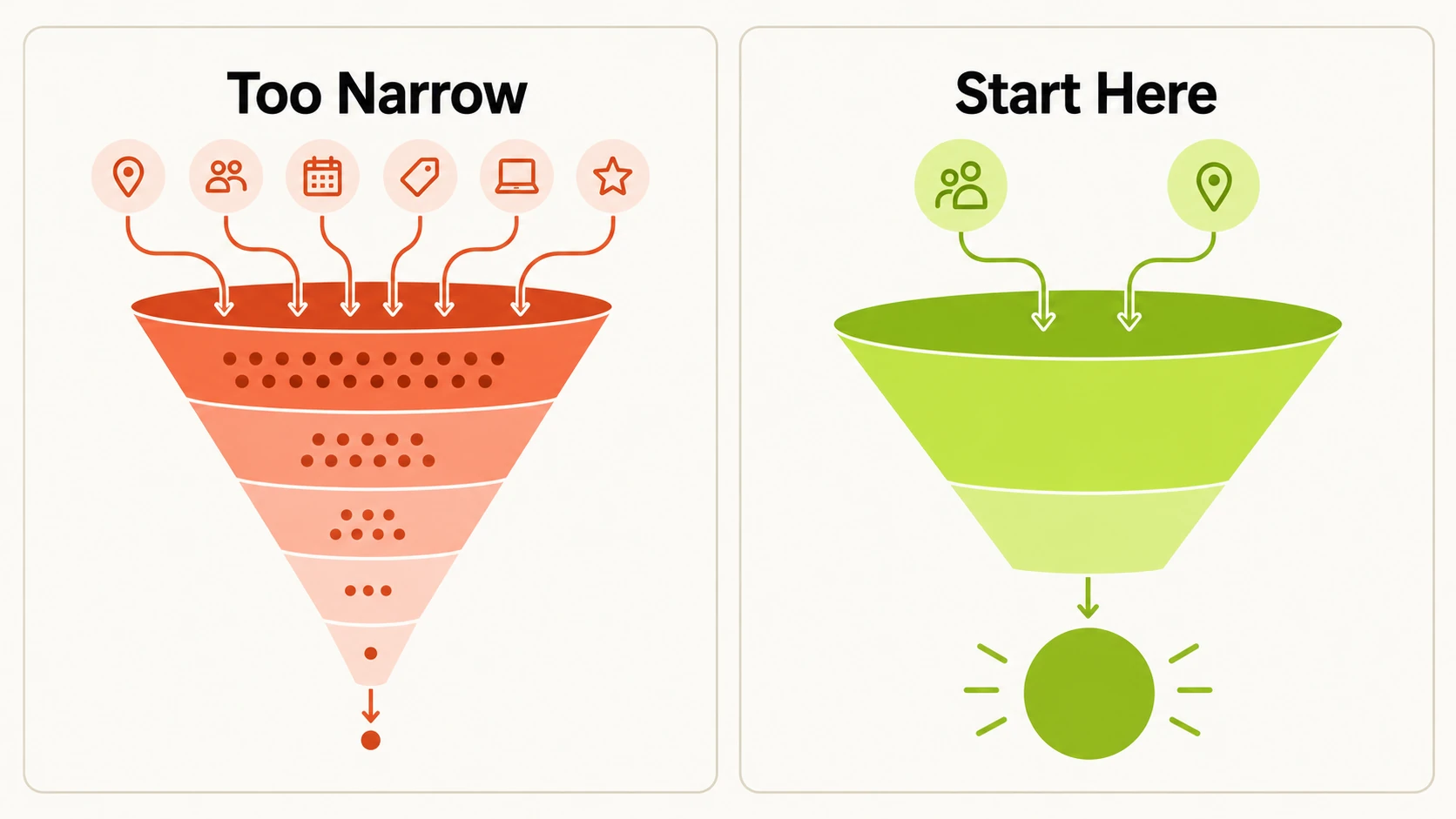
The instinct on a first campaign is often to stack every targeting option available: a narrow age range, specific interests, particular behaviors, maybe a device type, layered until the audience is tiny. That usually backfires. A heavily filtered audience gives TikTok’s delivery system too little room to find responders, which slows learning and can raise costs. It’s more effective to start with core targeting, location, a reasonable age range, and one or two broad interest categories that genuinely describe the customer, then let the algorithm find responsive users within that pool. Custom and lookalike audiences depend on pixel data or a customer list a brand-new account usually doesn’t have yet; save that layer for the second or third campaign.
Step 4: Pick Placements and Ad Formats
Automatic placements, where TikTok decides where within its app family the ad runs, are a reasonable default for a first campaign; restricting placement manually without a specific reason usually just limits reach. Creative format matters more. Native-feeling vertical video, with a hook in the first couple of seconds and a clear message rather than a polished pitch, consistently outperforms repurposed square or horizontal ads. If producing that footage in-house isn’t realistic, tools like Genie can generate UGC-style, reel, or demo-style video from a connected product catalogue without booking a shoot. Plan for more than one creative version, since the system benefits from options to test against each other.
Step 5: Launch Checklist Before You Go Live
Before publishing, run a short checklist rather than trusting memory: the objective matches the business goal from Step 1, the budget and schedule are set as intended, the audience is broad enough to leave the algorithm room to work, the creative meets format specs and any on-screen text is legible on a phone, tracking events are firing correctly, and the ad preview looks right rather than just confirming the upload succeeded. That small amount of friction catches mistakes, a broken link, a missing event, an unreadable caption, that otherwise surface only after money has been spent. Once a business runs several campaigns at a time, tools built for bulk launch, like FabFunnel’s Bulk Campaign Launcher, become relevant; for a first single campaign a manual checklist is enough.
What to Watch in the First Two Weeks
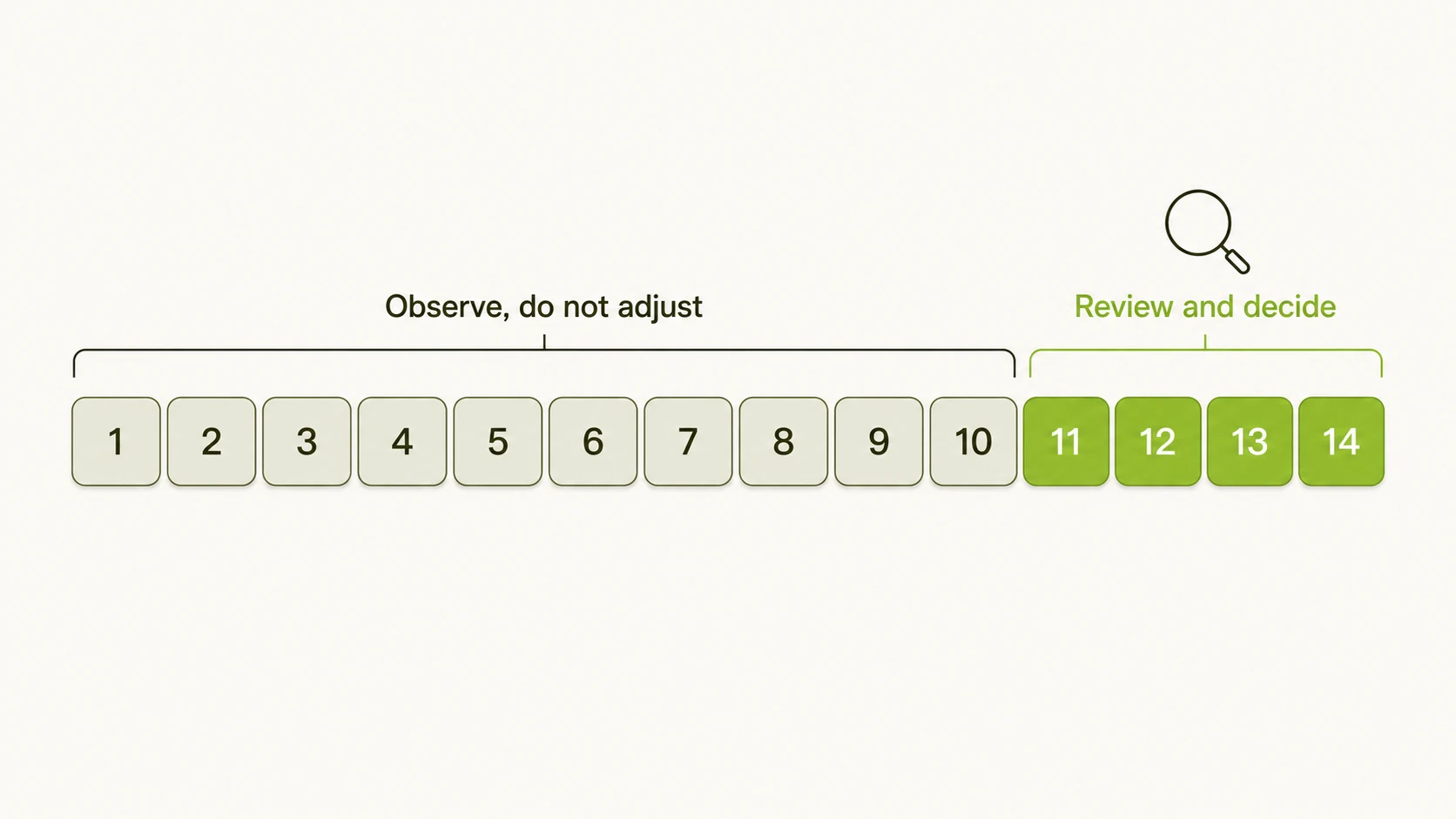
Resist judging a new campaign on its first day or two. TikTok’s delivery system spends the early part of a campaign learning, and performance during that window isn’t representative. What’s worth watching depends on the objective: for awareness, track reach and frequency; for traffic, watch click-through rate and cost per click alongside how that traffic behaves on the site; for conversions, watch cost per result and, once there’s enough volume, return on ad spend. Two weeks is a reasonable minimum before a real judgment call, since it covers the learning period plus enough delivery for a real pattern. During that window, avoid changing budget, audience, or creative unless something is broken, since every change restarts learning. Once there’s enough data to know what a normal cost per result looks like, an automation rules engine, running defined conditions around the clock and logging every action, becomes useful for catching underperformance without watching the dashboard constantly.
Where FabFunnel Fits Once You’re Managing More Than One Campaign
Running a single first TikTok for Business ads campaign doesn’t require much beyond Ads Manager itself, since the core mechanics of using tiktok to promote business are already covered by that single workflow. A platform like FabFunnel becomes useful once a business manages TikTok alongside Meta or NewsBreak, or once the first campaign works and the question becomes scaling it without living in the dashboard. FabFunnel manages over two billion dollars in ad spend across those platforms, with customers reporting roughly 40 percent less time in Ads Manager. Beyond the basics here, the platform includes AI-assisted creative generation through Genie, bulk campaign launch, and an automation rules engine for performance floors once there’s enough account history to know what normal looks like.
This kind of work is part of what FabFunnel’s ad management platform covers. Ready to get a first campaign live? Set up a free account at FabFunnel, or see how Genie’s creative tools work at Fab AI.
FAQs
1. How much should a small business budget for its first TikTok ad campaign?
There’s no fixed number that applies across industries, since it depends on margins and order value. Pick a daily amount that can run without interruption for at least a week, since interrupting a campaign resets TikTok’s learning period.
2. Do I need a TikTok Business Account before I can run ads, or can I boost from a personal profile?
A personal profile cannot run paid ads through Ads Manager; a Business Account with a connected payment method is required first.
3. What’s the difference between TikTok for Business ads and just promoting an organic video?
Promoting a single organic post offers less control over objective, targeting, and budget pacing than a full TikTok for Business ads campaign built in Ads Manager.
4. How long does the TikTok algorithm need before a campaign’s real performance is visible?
Most campaigns need five to seven days of uninterrupted delivery to exit the learning period, and a full two weeks gives a more reliable read than judging after a day or two.
5. Should a first campaign use one ad set or several?
One ad set with a couple of creative variations is usually enough to learn from; splitting the budget across several sets too early just produces unreliable results in each one.
6. What creative format works best for a first TikTok for Business ads campaign?
Vertical, native-feeling video that looks like normal TikTok content outperforms repurposed ads from other platforms, and a clear hook in the first couple of seconds matters more than production polish.
7. When does it make sense to add lookalike or custom audiences instead of broad targeting?
Once there’s enough pixel data or a customer list to build from, usually after the first campaign, custom and lookalike audiences become useful. Adding them on day one just narrows the audience with nothing for the algorithm to model.