Quick Answer: To create a TikTok ad account you need a business email address, basic business details such as legal name and address, and a valid payment method. Sign up through TikTok Ads Manager, enter your business information, and wait for TikTok to verify the account before you launch anything. Budget a day or two for verification before you plan to spend.
Who This Guide Is For
This guide covers one thing: setting up a TikTok ad account from a blank state, the prerequisites, the sign-up flow, and the checks to run once the account exists but before any money goes out the door. It does not cover navigating TikTok Ads Manager once you’re inside it, and it does not cover TikTok Business Manager, which handles multiple ad accounts and team permissions. If you already have a TikTok ad account and want the dashboard walkthrough, or you’re managing several accounts under one business entity, look there instead, whether you already run a tik tok advertiser account or are just getting started.
What You Need Before You Create a TikTok Ad Account
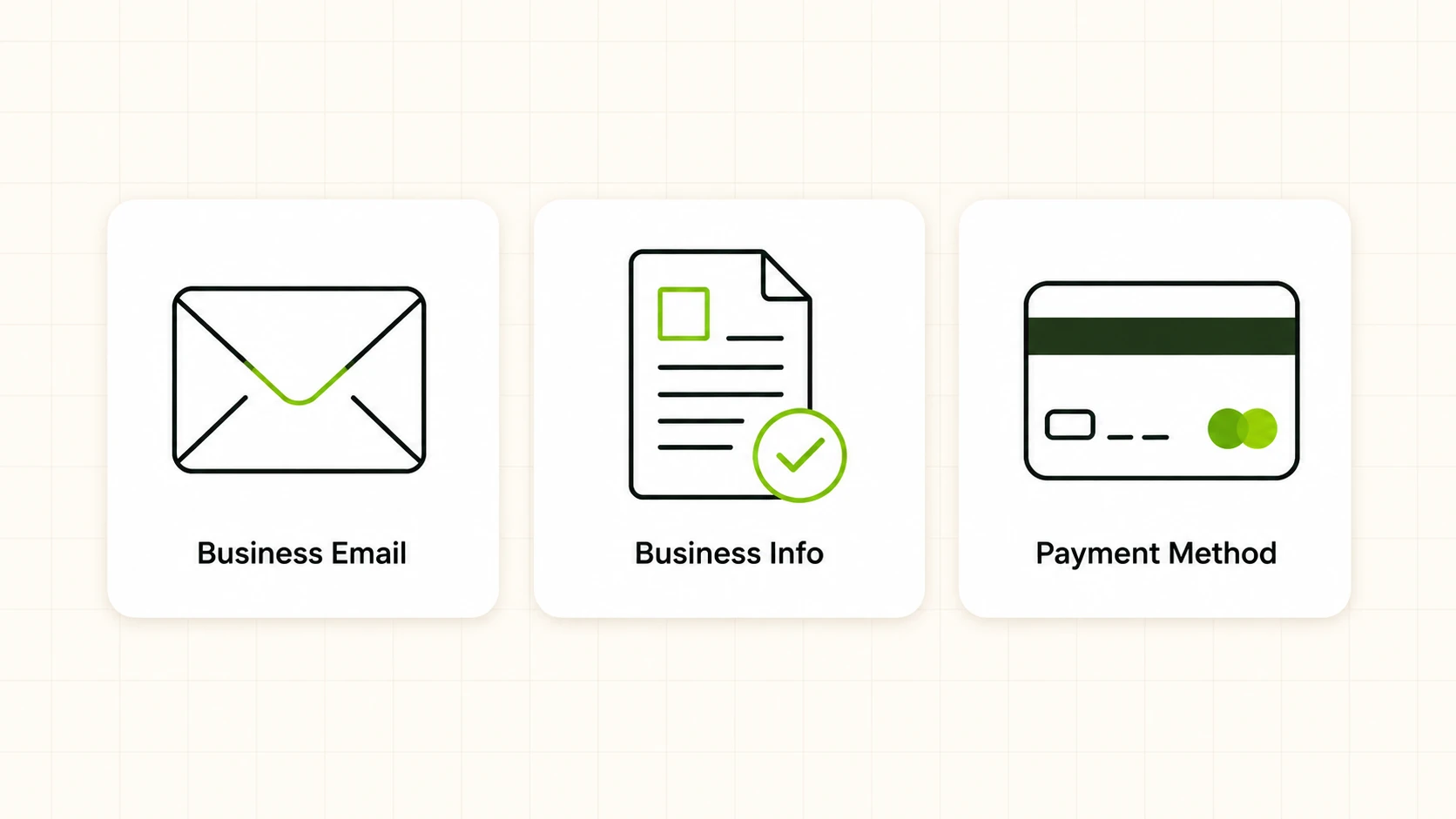
Before you open the sign-up form, get three things ready. Rushing this step is the most common reason account creation stalls halfway through or gets flagged for review.
A business email address. TikTok ties the account to an email, and using a personal or generic address (like a shared Gmail account with no company footprint) can slow down verification. A company domain email is safer, and it also makes it easier to hand the account off to a teammate or agency later without sharing personal credentials.
Accurate business information. You’ll be asked for your legal business name, business address, industry category, and in most cases a business registration or tax ID depending on your country. This information should match what’s on your business registration documents. Mismatches between what you enter and what’s on file elsewhere (your website, your business license) are a common cause of delayed or rejected verification.
A valid payment method. TikTok Ads Manager requires a payment method on file before campaigns can go live, usually a credit card or, in some regions, PayPal. Have the card ready during sign-up so you’re not left with an account that’s created but can’t spend. Some regions also support invoicing for larger accounts, but that’s typically set up after the account exists, not during initial creation.
Prerequisites Checklist
A short checklist table is useful here because these are the three concrete gates you need cleared before you touch the sign-up form, since skipping any one of them is the top cause of stalled tiktok ad account creation.
| Requirement | What TikTok Asks For | Why It Matters |
|---|---|---|
| Business email | A working email tied to your company domain (preferred) | Used for verification and account recovery |
| Business information | Legal business name, address, industry, registration/tax ID where required | Must match official business records to avoid verification delays |
| Payment method | Credit card, or PayPal/invoicing depending on region | Required before any campaign can run |
How to Create Your TikTok Ad Account: Step by Step
Creating a TikTok ad account is a linear process, but each step has details worth understanding rather than clicking through blindly, the same logic that applies whether you create tiktok ad account setups for one client or dozens.
Step 1: Start Sign-Up Through TikTok Ads Manager
Go to TikTok Ads Manager and choose the option to create a new account, the entry point whenever you create new tiktok ad account setups for a new brand or client. TikTok will ask whether you’re setting up an account for yourself, for a client, or as an agency managing accounts for others. Pick the option that matches your actual relationship to the business, since it affects what documentation gets requested later.
Step 2: Enter Your Business Email and Create Login Credentials
Enter the business email you prepared and set a password. TikTok sends a verification code or link to this address, so make sure it’s an inbox you can access immediately. This email becomes the primary login for the ad account, so treat it as a business critical credential.
Step 3: Provide Your Business Details
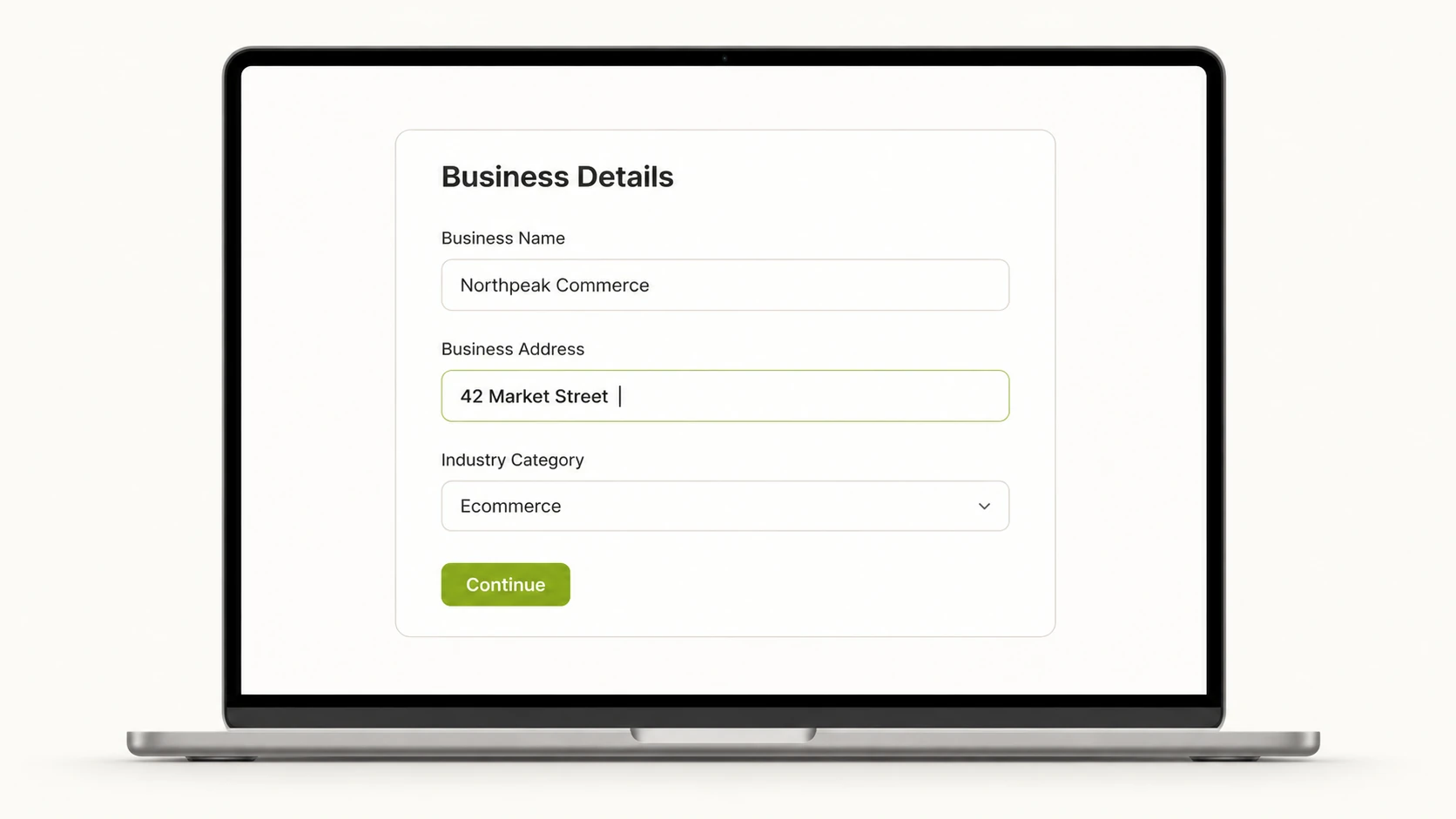
Fill in your legal business name, physical business address, and industry category. TikTok uses the industry field to apply relevant ad policies and, in some cases, category specific restrictions (regulated categories like finance or healthcare tend to get closer review). Enter this exactly as it appears on your registration documents. Guessing or abbreviating here is one of the more common reasons verification gets bounced back for correction.
Step 4: Add Your Payment Information
Enter the payment method you prepared, whether that’s a credit card or another option available in your region. This is also where you’ll set the account’s billing currency, which is worth pausing on rather than accepting a default, since currency is not something you want to change after campaigns have started running against it.
Step 5: Review and Submit for Verification
Once the form is complete, review every field before submitting. TikTok reviews new ad accounts against its business information and, depending on region and industry, may request supporting documents such as a business license or ID. This review is what determines whether your account is approved to spend.
Step 6: Wait for Approval
Verification isn’t always instant. Depending on your region, industry, and how closely your submitted information matches your business’s public records, approval can take a few hours to a couple of days. While you wait, avoid submitting duplicate applications—they complicate the review rather than speed it up.
Verifying Your TikTok Ad Account
Verification proceeds in two layers. The first layer is email verification: TikTok sends a link, and clicking it confirms that you control the inbox associated with the ad account. Second, TikTok looks at your business info to make sure it’s right and matches. If they can’t confirm it, they’ll ask for more papers, usually a business registration certificate or an official ID for the account owner.
Keep the documentation you used on hand in case it’s requested. If your business recently changed its name or address and your public records haven’t caught up, resolve that mismatch before applying rather than after.
What to Check Immediately After Your Account Is Created
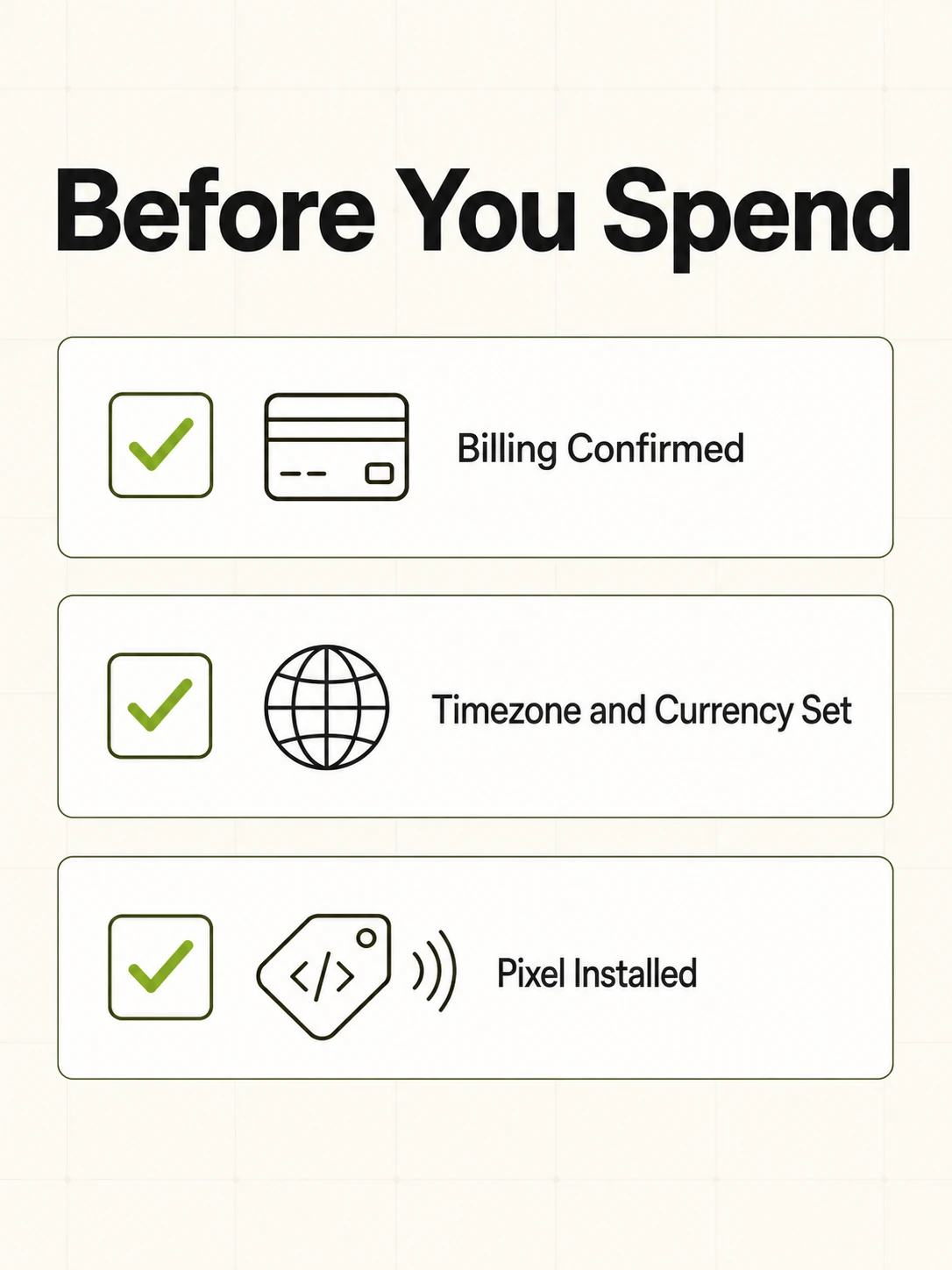
Getting the account approved is not the finish line, since a proper tiktok ad account set up still needs billing, timezone, and pixel checks before launch. Before you build a single campaign, verify these three things.
Billing setup. Confirm the payment method attached to the account is active and correctly charged, and check the billing threshold TikTok has assigned, which determines how often you get charged as spend accumulates. An expired card or an unconfirmed billing method sitting quietly in the background is the most common reason a campaign that looks live doesn’t actually deliver impressions.
Timezone and currency settings. These are set during account creation and are difficult or impossible to change afterward. Your reporting, billing cycles, and daily budget resets all run against the timezone you select, and your currency locks in how every dollar figure across the account is denominated. Double check both before you launch anything, because correcting a wrong timezone later usually means creating a new account.
Pixel installation. If your business has a website you plan to drive traffic to, install the TikTok Pixel before you spend a dollar on traffic. Without it, you have no way to measure conversions, retarget site visitors, or build lookalike audiences from actual customer behavior. Installing it after campaigns have already been running means losing that early data permanently, since the pixel can’t retroactively capture events it wasn’t present for.
Once the Account Exists
A freshly created and verified TikTok ad account is a blank slate, not a finished setup, part of a broader set up tiktok ad account process that continues into campaign building and tracking. The next steps are building out campaign structure, connecting a product catalog if relevant, and setting up conversion tracking, all outside the scope of account creation itself.
If you manage this account alongside other ad platforms, FabFunnel connects to TikTok ad accounts, along with Meta and NewsBreak, with spend, ROAS, CPR, CPC, and CTR synced roughly every 15 minutes across connected accounts. Once a TikTok ad account is connected, FabFunnel’s Bulk Campaign Launcher can push 200+ campaigns live in under 2 minutes, useful once you’re past setup and into active management.
FAQs
1. How long does it take to create a TikTok ad account?
The sign-up form itself takes a few minutes to complete. Verification is the variable part, ranging from a few hours to a couple of days depending on your region, industry, and whether your submitted business information matches your public records without needing follow-up documentation.
2. Do I need a business license to create a TikTok ad account?
Don’t count on skipping it. Sign-up may not require a business license, but verification can. TikTok may ask for registration or license, especially for regulated industries or if your info can’t be auto-confirmed.
3. Can I use a personal email to create a TikTok ad account?
You can, but it’s better to use a work email with your company’s name in it. That makes it easier to get approved, and later you can give a teammate, contractor, or agency access without handing over your own personal email.
4. What happens if my TikTok ad account application gets rejected?
TikTok typically provides a reason for the rejection. The most common causes are a mismatch between the business information you submitted and what appears on public record, or missing documentation. Correct the specific issue and resubmit rather than opening a duplicate account, since that can make review even harder.
5. Can I change my TikTok ad account’s currency after it’s created?
Generally no, or only with great difficulty. Currency is locked at creation and determines billing and reporting denomination, so confirm it before submitting.
6. Do I need a separate TikTok ad account for each region I advertise in?
Not necessarily. One account can target multiple regions at once. Just keep in mind that currency, billing, and some policy specifics stick to your account’s home settings. You’d only need multiple accounts if you’re juggling several businesses or clients, and that’s where TikTok Business Manager comes in.
7. Is the TikTok Pixel required to create an ad account?
No, the pixel is not required to create or verify the account itself. It becomes necessary once you want to track website conversions or build retargeting audiences, which is why installing it before your first campaign launches, rather than after, matters so much.
8. What’s the difference between a TikTok ad account and TikTok Business Manager?
A TikTok ad account is the single entity that holds your billing, campaigns, and reporting for advertising on the platform. TikTok Business Manager sits a layer above that, letting you manage multiple ad accounts, assign team member permissions, and organize assets across a larger organization. If you only run ads for one business, you likely only need the ad account itself.
This kind of work is part of what FabFunnel’s ad management platform covers. Ready to connect your TikTok ad account and manage it alongside your other channels? Get started at FabFunnel, or see how Fab AI fits into your workflow.