Quick Answer: TikTok Ads Manager is TikTok’s self-serve advertising platform for creating accounts, structuring campaigns, and launching ads. Setup involves registering an account, choosing a business or personal path, installing a pixel for tracking, picking a campaign objective, and organizing work into campaigns, ad groups, and ads. Getting these right early prevents broken tracking and messy account structure later.
Getting Started: What This Walkthrough Covers
The interface can feel dense the first time you open it, with separate account, billing, tracking, and campaign-building layers, a system many newcomers still search for as ads manager tiktok while getting oriented. This walkthrough covers the fundamentals: registering, understanding the account structure, connecting a pixel, and picking an objective, the core steps whether you call the tool TikTok Ads Manager or search for it as ads tiktok manager. Deeper topics like Business Manager, ad account creation, Spark Ads, and Shop Ads are covered in separate posts, this one stays focused on getting a working account off the ground.
Business Account vs Personal Account
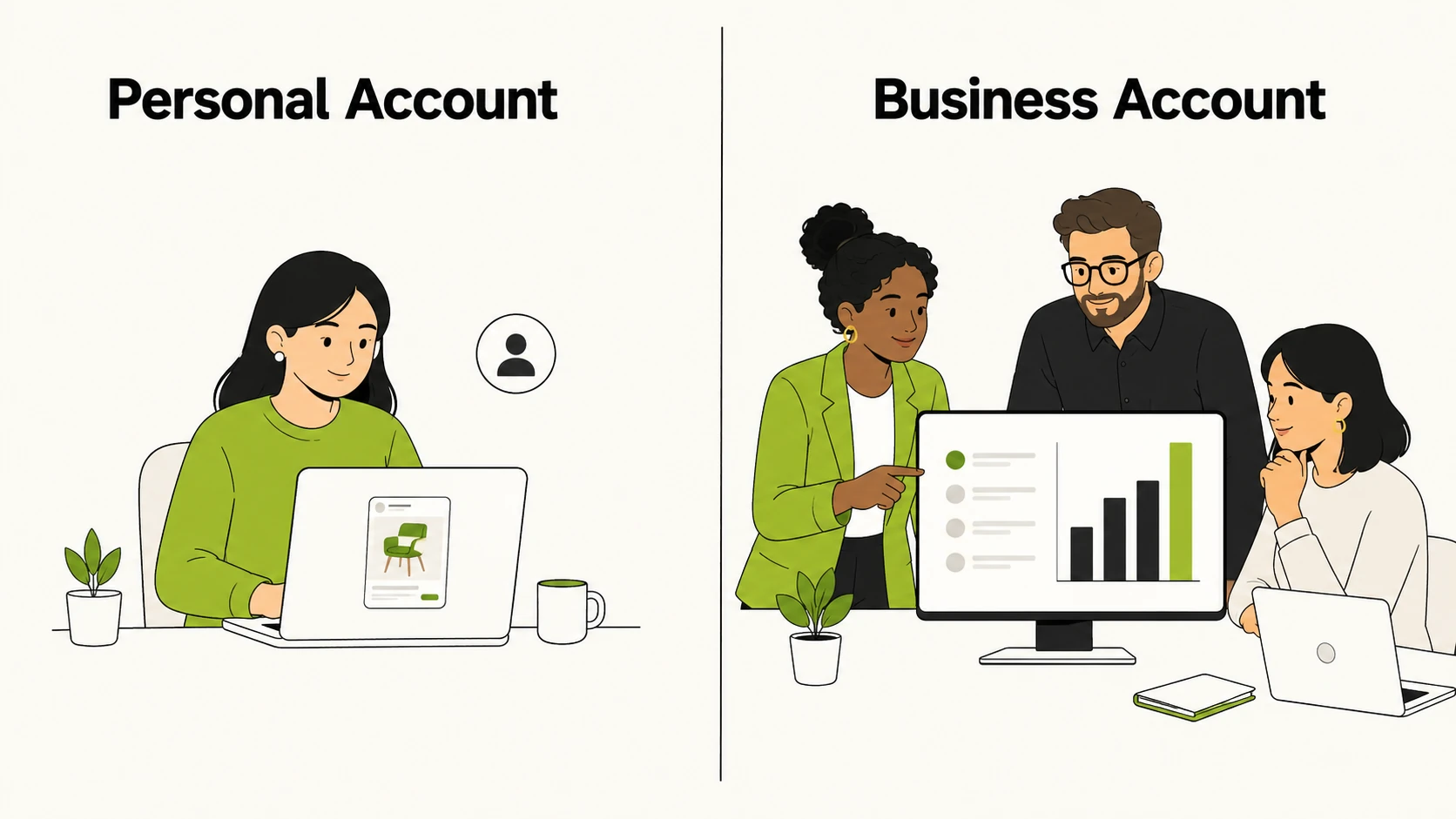
Before touching campaign settings, you choose a path: a personal ad account or a business ad account, an early decision inside what’s often typed as tiktok add manager by advertisers new to the platform. The distinction affects what features are available and how the platform expects you to operate.
A personal account suits individuals running smaller, simpler campaigns, usually with limited budgets and fewer targeting or reporting options. It is a lighter onboarding path, useful for testing the platform.
A business account is built for companies, agencies, and anyone managing spend on behalf of a brand. It typically requires business information during signup and gives access to fuller targeting, catalog, and reporting features. If you expect to scale spend, add team members, or eventually connect Business Manager, start with a business account rather than migrating later. The mechanics of Business Manager itself are covered in a separate post.
How the Account Structure Works: Campaign, Ad Group, Ad
Every account follows the same three-level hierarchy: campaign, ad group, and ad. Understanding what lives at each level before you start building prevents the disorganized structure that makes reporting and optimization harder later.
The campaign level holds the objective and, depending on setup, the overall budget. Everything nested under a campaign shares that objective, so campaigns separate distinct goals, such as brand awareness versus website conversions, rather than mixing them.
The ad group level holds targeting, budget, scheduling, placement, and bidding, the layer with the most day-to-day decisions: who you are reaching, how much you are spending, when ads run, and where they show up. Most testing and optimization happens by adjusting ad groups rather than campaigns or individual ads.
The ad level is the creative itself: the video or image, on-screen text, caption, call-to-action, and destination. A single ad group can hold multiple ads so you can test creative variations against the same audience and budget.
| Level | What It Controls | What You Set Here |
|---|---|---|
| Campaign | Objective, and in some setups the overall budget | Campaign name, objective, budget type |
| Ad Group | Targeting, budget, schedule, placement, bidding | Audience, daily or lifetime budget, placements, optimization goal |
| Ad | Creative and destination | Video or image, text, call-to-action, landing destination |
Almost every setup mistake traces back to putting a decision at the wrong level, such as splitting budget across too many campaigns instead of consolidating it inside ad groups.
Setting Up TikTok Ads Manager: Step by Step
Once the structure is clear, the setup sequence is straightforward, the same sequence a tiktok campaign manager follows account after account. This is the order most new advertisers should follow to get an account ready for its first campaign.
Step 1: Create Your Account
Registration starts on TikTok’s ads platform, where you sign up with an email address or an existing account and provide basic details about yourself or your business. You confirm your region and currency during this step, and these typically cannot be changed later, so check them carefully before submitting. If setting this up for a client or company, use a business email, since that email becomes tied to account recovery and notifications.
Step 2: Choose Business or Personal Setup
This is where you commit to the business or personal path described above. If there is any chance you will scale spend, add teammates, or run multiple ad accounts later, the business path avoids a migration down the line. You may be asked for a business name, website, and industry category at this stage.
Step 3: Set Up Billing
Before any campaign can go live, a payment method needs to be on file. Standard payment options are supported for most regions, and you will typically set a billing threshold or prepaid balance depending on account type and location. Review currency and payment method carefully, since billing is tied to the currency chosen at signup.
Step 4: Install the Pixel for Tracking
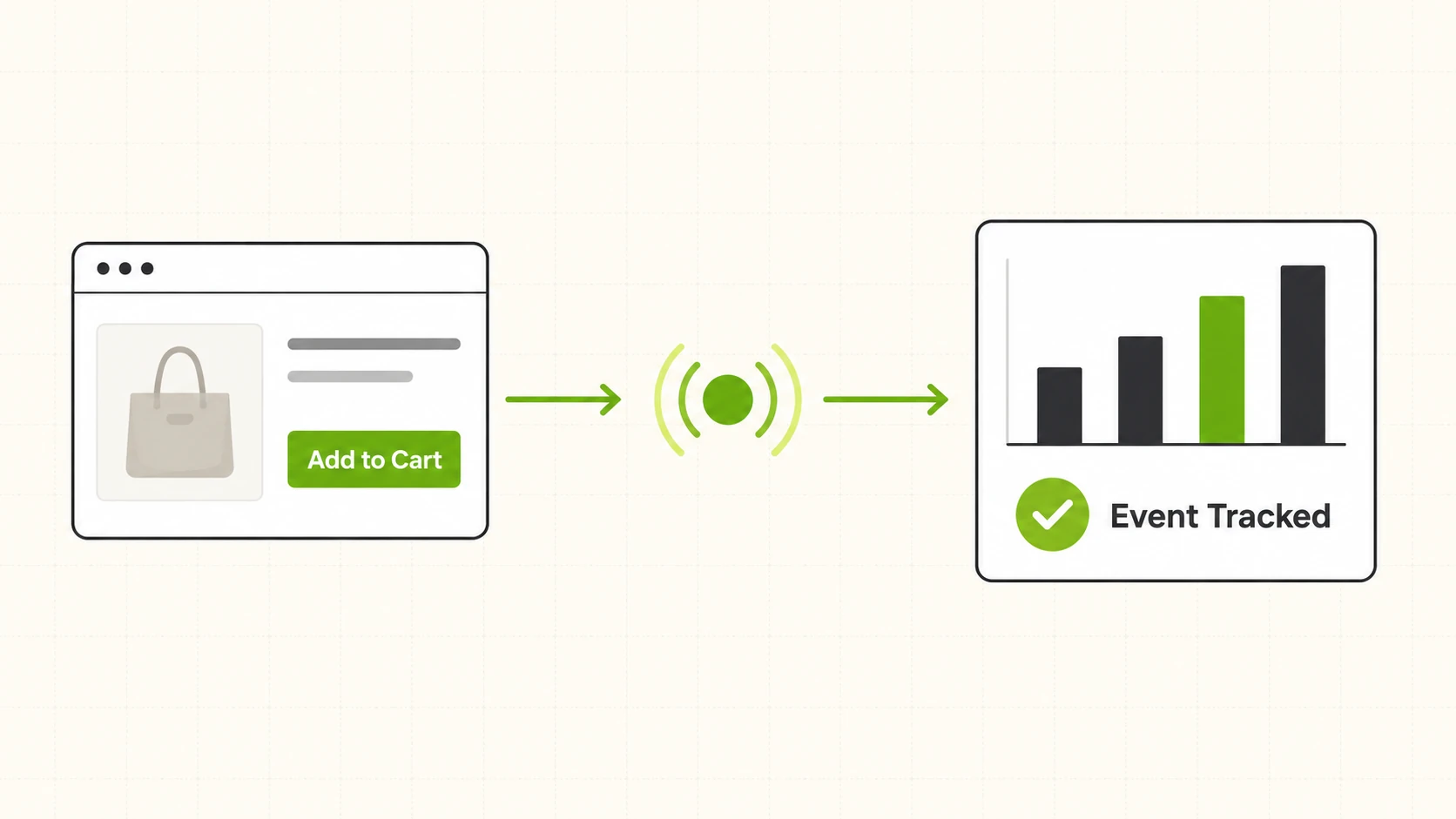
Tracking has to be in place before you spend meaningfully, not after. The pixel is tracking code placed on your website, or configured through a tag manager or ecommerce integration, to capture events like page views, add-to-cart actions, and purchases. Setting this up early and confirming events fire correctly is what makes optimization and reporting meaningful once ads start running. Installing it after a campaign has already launched means losing the ability to optimize toward real conversion data for that stretch.
Step 5: Choose a Campaign Objective
Objectives are grouped around what you actually want the ad to accomplish, broadly falling into categories like awareness, traffic or engagement, and conversion-focused goals such as website actions or app installs. The objective determines what optimization options are available at the ad group level and how delivery is prioritized. New advertisers often default to whichever objective sounds most impressive rather than the one matching what they can actually measure. If the pixel is not yet capturing purchase events reliably, a conversion objective built around purchases will not perform as expected.
Step 6: Build Your First Campaign
With account, billing, and pixel in place, the last step is building the campaign: naming it, setting the objective and budget at the campaign level, defining audience, budget, placement, and schedule at the ad group level, then uploading creative at the ad level. Keep the first campaign simple. A narrow audience with one or two ad variations gives cleaner signal than a broad campaign running a dozen creative permutations at once.
Common First-Time Setup Mistakes
New advertisers tend to run into the same handful of problems, and most trace back to skipping a step above rather than a platform limitation, since solid tiktok ad management comes down to sequencing these steps correctly.
Launching before the pixel is verified is the most common one. Campaigns can technically go live without confirmed tracking, but conversion data collected during that gap is unreliable, and delivery cannot be optimized toward outcomes it cannot measure.
Picking the wrong region or currency at signup is another, since these lock in at the account level and choosing incorrectly means working around settings that complicate billing and reporting, or starting over with a new account. The same applies to time zone and reporting currency, worth confirming during setup rather than after reporting already looks confusing.
Splitting budget across too many campaigns instead of consolidating inside ad groups quietly limits performance, since each campaign and ad group needs enough spend and volume for the delivery system to learn. Spreading a small budget across five campaigns instead of one with a few ad groups usually means none of them get enough signal to perform well.
Mismatching the objective to what is actually measurable causes underperformance that looks like a targeting or creative problem but is really a setup problem. If purchase tracking is not solid yet, a traffic or engagement objective gives more reliable early results than a purchase-optimized objective running on incomplete data.
FAQs
1. How long does it take to set up an account for the first time?
Basic registration takes a few minutes. Getting fully ready to launch, including billing and pixel verification, more realistically takes a few hours to a day, depending on how quickly a website team can add the tracking code.
2. Do I need a business account to advertise on TikTok?
No, a personal account is available for smaller or individual campaigns. A business account is recommended if you plan to scale spend, manage multiple ad accounts, or add team members, since it gives access to fuller features.
3. Can I change my account’s region or currency after setup?
Generally no. Region and currency are set during initial account creation and are not easily changed afterward, which is why confirming them before submitting account details matters.
4. What is the pixel and why do I need it before launching campaigns?
The pixel is tracking code placed on your website that reports back events like page views, add-to-cart actions, and purchases. Without it installed and verified, delivery cannot be optimized toward real conversions.
5. What campaign objective should a first-time advertiser choose?
The right objective depends on what you can reliably measure. If tracking for purchases is not fully verified yet, a traffic or engagement objective usually produces more dependable early results than a conversion objective running on incomplete data.
6. How many ad groups should I start with in my first campaign?
There is no fixed number, but starting narrow is safer than starting broad. One or two well-targeted ad groups with a couple of creative variations each gives the delivery system a clearer signal than a campaign split across many small ad groups competing for the same limited budget.
7. Why separate campaigns, ad groups, and ads instead of using one flat structure?
The three-level structure separates objectives, targeting, and creative independently. Campaigns hold the objective, ad groups hold targeting and budget decisions, and ads hold the creative itself, making it possible to test creative against the same audience without rebuilding the whole campaign.
8. Is TikTok Ads Manager the same thing as Business Manager?
No. TikTok Ads Manager is where you build and run campaigns inside a specific ad account. Business Manager is a separate layer for managing multiple ad accounts, assets, and team permissions under one business entity, covered in more depth in a separate post.
Once your account is set up and campaigns are structured correctly, the next bottleneck is usually speed: launching variations and monitoring performance. FabFunnel’s Bulk Campaign Launcher and Multi Ad Account Reporting are built for that stage, once your TikTok account is connected. This kind of work is part of what FabFunnel’s ad management platform covers. Set up a FabFunnel account or see how the workflow fits together.