Quick Answer: An AI ad generator turns product data and brand assets into a finished Facebook or Instagram ad by pulling structured inputs from a connected catalogue, the way FabFunnel’s Genie does, matching them to a chosen ad mode, and assembling copy and visuals inside brand rules instead of generic templates. It compresses production time, not judgment. A person still checks tone, claims, and competitive framing before anything launches.
What an AI Ad Generator Needs Before It Builds Anything
An ad generator, or ai advertisement generator as some teams call it, is only as good as what feeds it. Before it produces a single frame, it needs three things: product information, brand assets, and signal from what has already performed, the same inputs any ai ads generator needs regardless of platform.
Product information covers name, price, images, variants, and existing copy. Without it, the tool is guessing at claims, which is how ads end up describing a product incorrectly or missing the selling point. Brand assets and guidelines, meaning logo files, color palette, approved fonts, and tone rules, are what separate a usable ad from a template with a logo pasted on top. Past-performing formats matter too: which creative styles and hooks have actually converted for this account before, so the system isn’t producing plausible-looking output disconnected from what’s worked.
In FabFunnel’s Genie, this runs through a Catalogue built once from a brand URL or a Shopify store. Shopify stores sync automatically as products change; non-Shopify catalogues update through manual upload. The Catalogue is structured as Brand, then Categories, then Products, and Genie pulls both brand guidelines and product data from it automatically rather than asking a marketer to re-enter the same information for every ad.
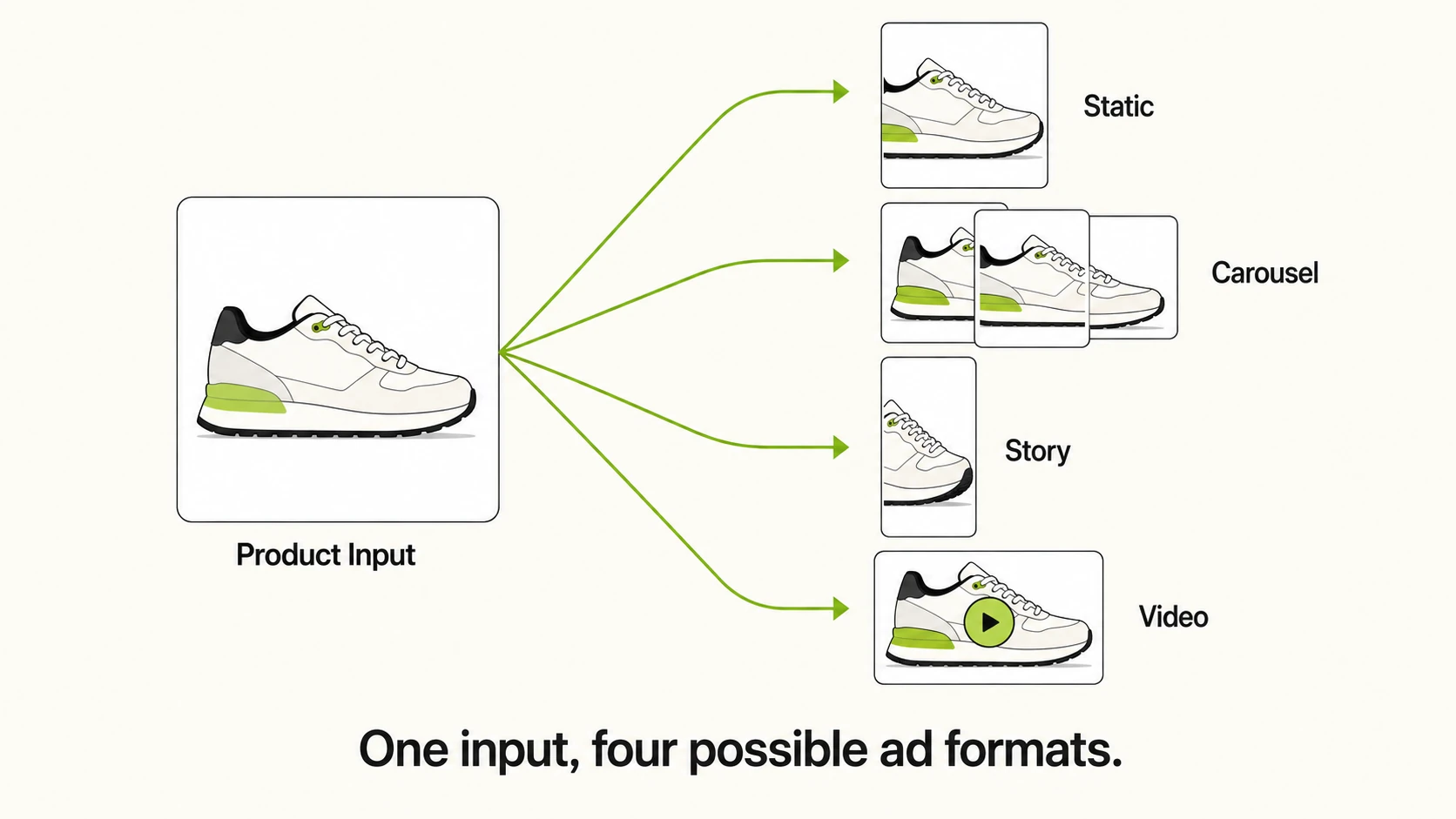
How the System Decides on Format: Static, Carousel, Story, or Video
Format selection weighs the product type, the campaign goal, and what format has historically performed for that account or category, then narrows to a shortlist a marketer can pick from or override.
A single product with a strong hero shot tends to suit a static image. A product line with multiple variants suits a carousel. A time-sensitive promotion aimed at a younger audience skews toward story format. A product that needs demonstration, something with a visible mechanism or a before-and-after, tends to perform better as video.
Genie organizes this through four ad modes: Product Ad, Brand Ad, Product Shoot, and Performance Ad. Between them, these cover static formats (single image, carousel, story) and video formats (UGC-style, reel, demo). Generation can start from scratch, as a variation of an existing creative, or from one of 200 pre-built frameworks in the Concepts tab.
The table below is worth including here because the four ad modes, their format coverage, and their intended use cases are genuinely distinct data points, easier to scan as a table than to read across four separate paragraphs.
| Ad Mode | Format Coverage | Best Use Case |
|---|---|---|
| Product Ad | Single image, carousel | Direct-response ads focused on a specific product and its price or offer |
| Brand Ad | Single image, story | Awareness campaigns built around brand identity rather than one SKU |
| Product Shoot | Single image, carousel | Generating new product photography-style visuals without a physical shoot |
| Performance Ad | UGC-style video, reel, demo video | Conversion-focused campaigns where video has historically outperformed static |
Maintaining Brand Consistency Versus Generic Output
The gap between a brand-consistent ad and a generic one comes down to whether the system draws from your actual assets or fills in a template with placeholder styling. Because Genie pulls guidelines directly from the Catalogue rather than starting from a blank layout, colors, fonts, and product imagery stay tied to what’s already set up for the brand instead of drifting toward whatever look the underlying model defaults to.
This matters most at scale, where fifty off-brand ads from one bulk launch is a rebrand nobody asked for. Consistency at that volume depends on guidelines being enforced automatically at generation time, not caught in review afterward.
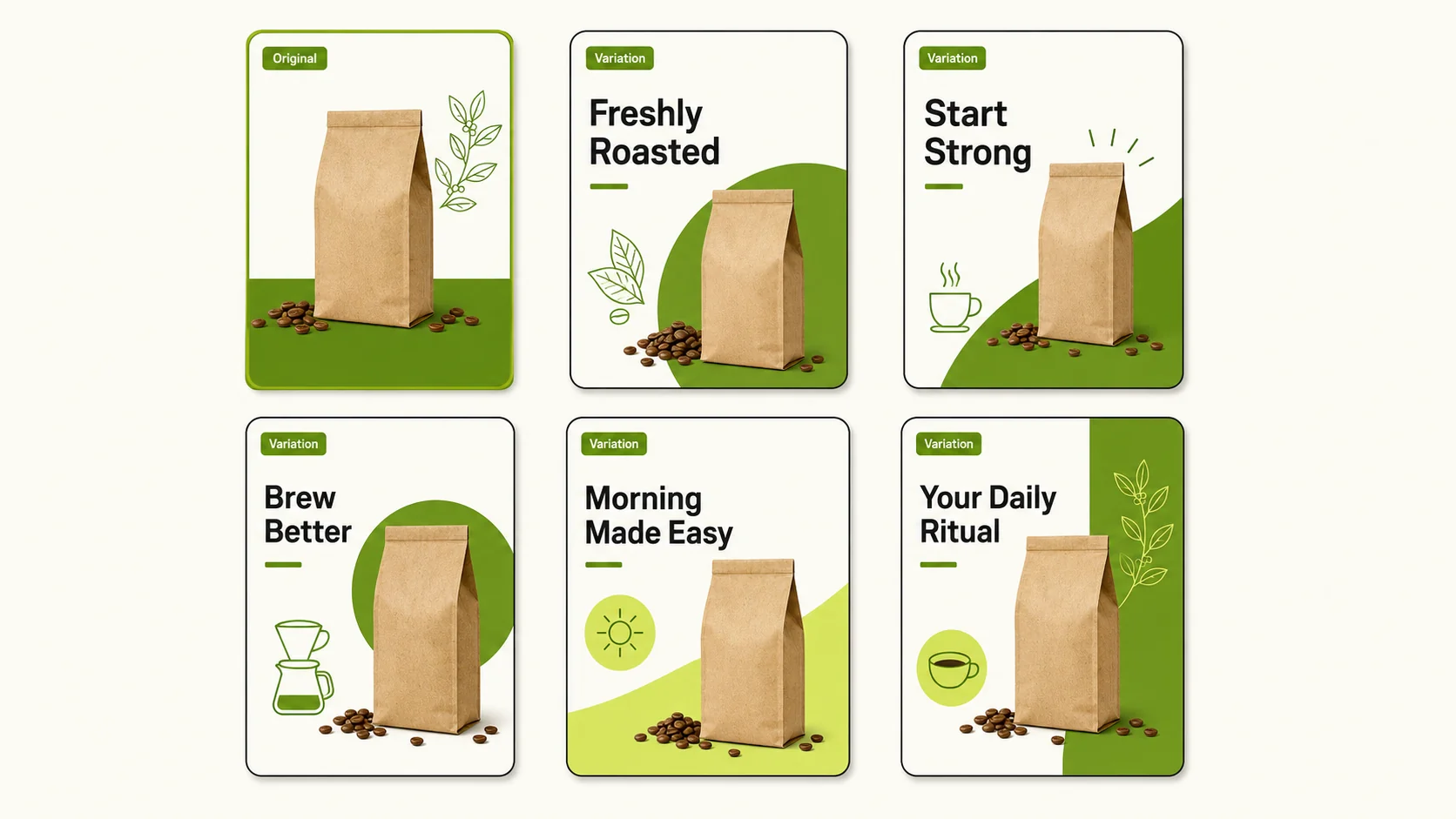
Fatigue is the other half of the problem. A top-performing ad wears out with the audience eventually, and the instinct is often to build something new from zero, which throws away the winning elements along with the tired ones. Genie’s Create Variations feature exists for this specifically: it takes a known top performer and produces refreshed versions of it instead of restarting the creative process.
From Generation to Launch
Generating the creative is only half the workflow, true of any ad generator ai tool feeding a bulk launch pipeline. Genie’s output feeds directly into the Bulk Campaign Launcher through a “From Genie” flow, so there’s no export, re-upload, or manual file handoff between the creative tool and the launch tool. For teams running high ad volume, that missing step is often where the most time gets lost, not in the generation itself.
It’s worth being precise about scope here. FabFunnel supports Meta, TikTok, and NewsBreak, with FabFunnel’s Meta Ads Automation handling rule based optimization once campaigns go live.
What a Human Still Needs to Review Before Launch
Automating the assembly of an ad does not automate judgment. Before anything goes live, a person should check a few specific things.
Factual accuracy comes first: pricing, product claims, availability, and anything that could read as a guarantee. A generator working from catalogue data reflects that data accurately, but it won’t catch a stale price or an out-of-stock variant on its own. Tone and brand voice need a second look too, especially on ads built as variations or from a framework, since small wording choices can drift from how the brand actually talks even when the visual system stays on-brand.
Legal and platform compliance is the next check: substantiation for claims, required disclosures, and Meta’s own ad policy restrictions, none of which a generation tool is positioned to certify. Competitive framing needs a human too. If an ad references a competitor by name, implication, or comparison, that’s a judgment call the system shouldn’t make on its own.
Where These Tools Fall Short
The mechanics above cover what’s genuinely repeatable in ad production: pulling assets, matching format to product, applying brand rules, assembling output. What they don’t cover is judgment that depends on context outside the catalogue.
Nuanced positioning is the clearest example. A generator can produce copy that describes a product accurately, but deciding how hard to lean into a differentiator, when to go direct-response versus brand-building, or how to frame a price point against the market depends on information the tool doesn’t have access to. Tone against a specific competitor is another gap: comparative advertising requires precision about what’s actually true, what’s legally defensible, and what reads as confident versus what reads as petty, calibration a generation system can’t make on its own.
More broadly, reading a cultural moment, a shift in audience sentiment, or a reason a past campaign underperformed that isn’t visible in the metrics sits outside what these tools do. They speed up execution, not the decision about what the ad should argue.
FAQs
1. Does an AI ad generator need a website or can it work from raw product data alone?
Most tools need a structured source to pull from rather than raw, unformatted data. In FabFunnel’s case, that source is a Catalogue built from a brand URL or a Shopify store, with product and brand information organized underneath it.
2. How is brand consistency actually enforced instead of just claimed?
It’s enforced by pulling colors, fonts, logos, and voice guidelines directly from the same source used for every other ad, rather than letting the generation model default to its own styling. Consistency comes from the input source being fixed, not from editing after the fact.
3. Can the tool pick the wrong format for a product?
It can, particularly for products that don’t fit typical patterns or for goals it hasn’t seen much data on. Format suggestions should be treated as a starting shortlist a marketer can override, not a final decision.
4. Does using automated ad generation mean skipping human review entirely?
No. Assembly and iteration speed up, but claims accuracy, tone, legal compliance, and competitive framing still need a person to check before launch. Treating output as launch-ready without review is where most quality problems show up.
5. What happens to an ad that starts underperforming after launch?
A well-built workflow lets you refresh a fatiguing ad rather than starting from zero. Genie’s Create Variations feature is built for exactly this, producing new versions of a known top performer instead of a fresh creative brief.
6. Can this workflow run Google Ads or search campaigns?
FabFunnel’s ad generation and launch workflow covers Meta, TikTok, and NewsBreak. It does not support Google Ads.
7. Does the tool write ad copy that references competitors?
It can generate copy in that direction if prompted, but comparative claims about a named competitor need human review for accuracy and risk before anything goes live. This is one of the clearer limits of automated generation.
8. How does an AI ad generator avoid producing generic, templated-looking ads?
By starting from brand-specific inputs, actual product photography, real brand colors, and existing guidelines, instead of a blank generic layout. The difference usually comes down to whether the source data was structured and complete going in.
This kind of end-to-end creative workflow is part of what FabFunnel’s AI ad creative generator covers. If you want to see this workflow on your own catalogue, start at FabFunnel’s Fab AI or set up an account.